The cable in your drawer is probably the bottleneck
I keep a shoebox of stray USB-C cables under my desk. Last month I plugged a Thunderbolt 5 dock into a laptop with one of them and spent twenty minutes wondering why the external SSD crawled along at 400MB/s. The cable was a 60W charge-only cable from an old phone box. It charged fine. It moved data like a straw in a firehose.
That's the part people miss about Thunderbolt 5 docking stations. The dock is only half the pipeline. The cable is the other half, and it has to be rated for both the wattage and the bandwidth you're asking it to carry.
Why 240W certification matters on a Revodok Maxidok 17-in-1
A 17-in-1 dock draws power, pushes video, and passes data all over one connector. If you feed it a 100W cable, the laptop may still charge — slowly — but the dock can start dropping display outputs under load. I've seen a 4K monitor flicker to black every time a file copy started, purely because the cable couldn't keep up.
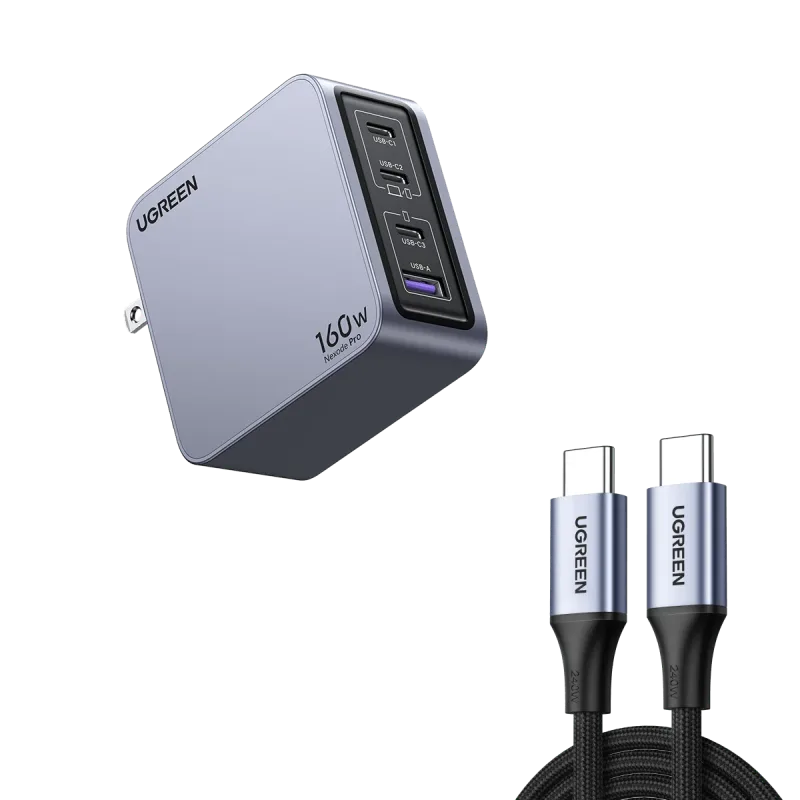
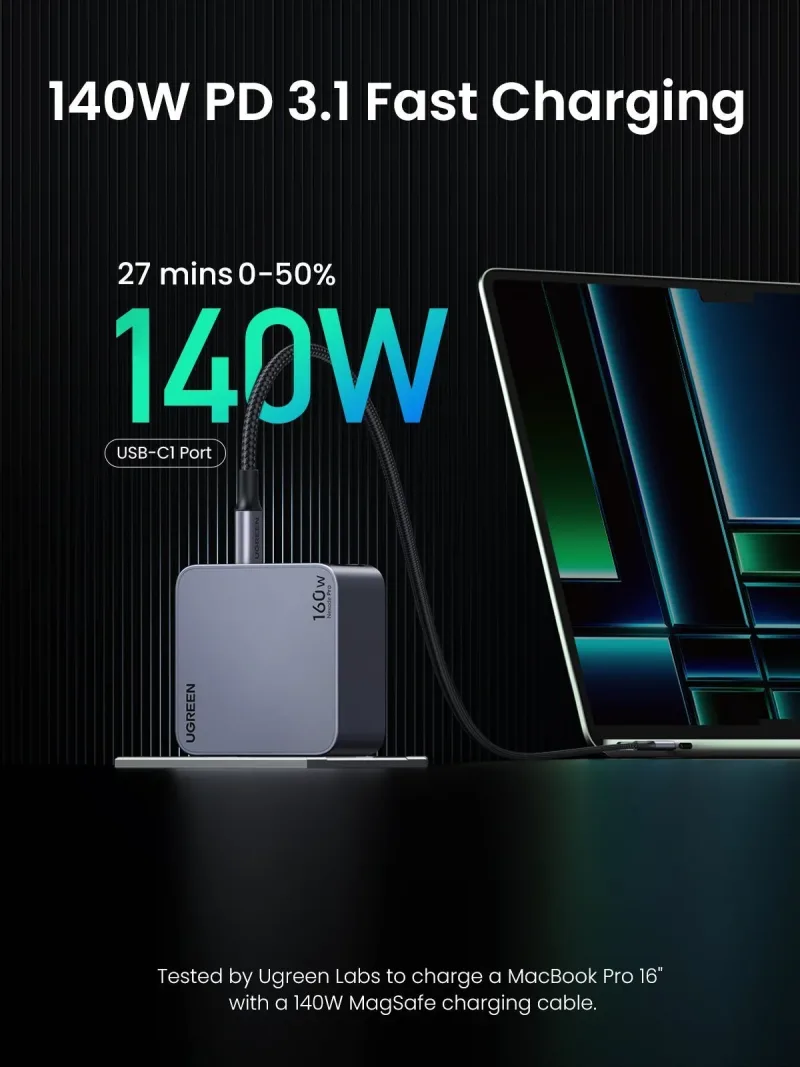
Use a certified 240W cable and the whole chain settles down. The Nexode Pro 160W iphone charger + 240W 6FT USB-C Cable is the pairing I hand to people who bought a dock and then complained about it. The charger handles the desk, the cable handles the dock, and you stop troubleshooting ghosts.
Matching wattage for travel
Travel setups break in a different way. You pack one charger and hope it covers a laptop, a phone, and a tablet at the same time. It rarely does — unless the charger has enough ports and enough total output to spread around.
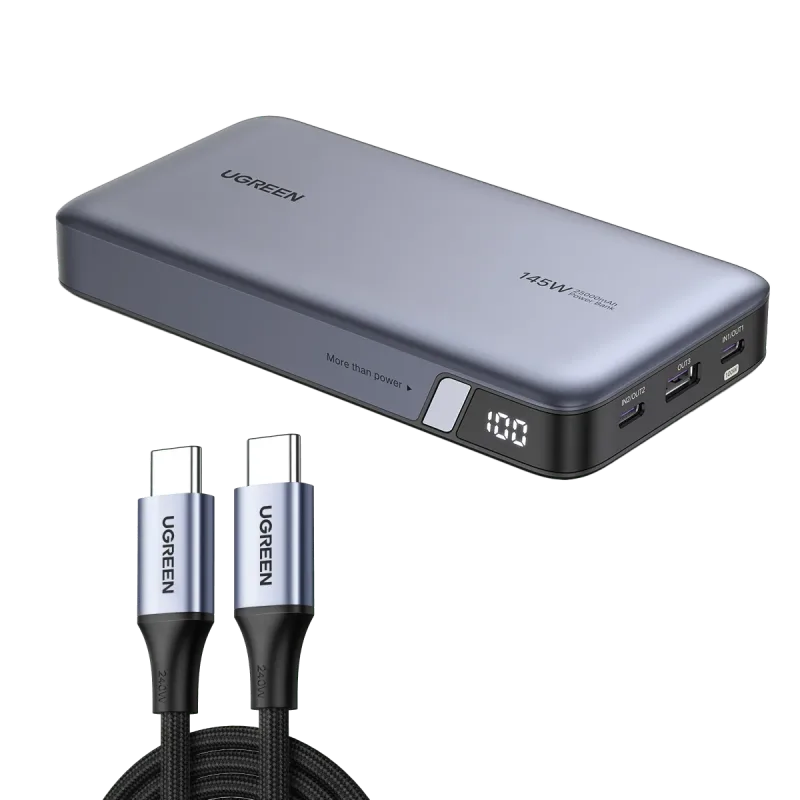
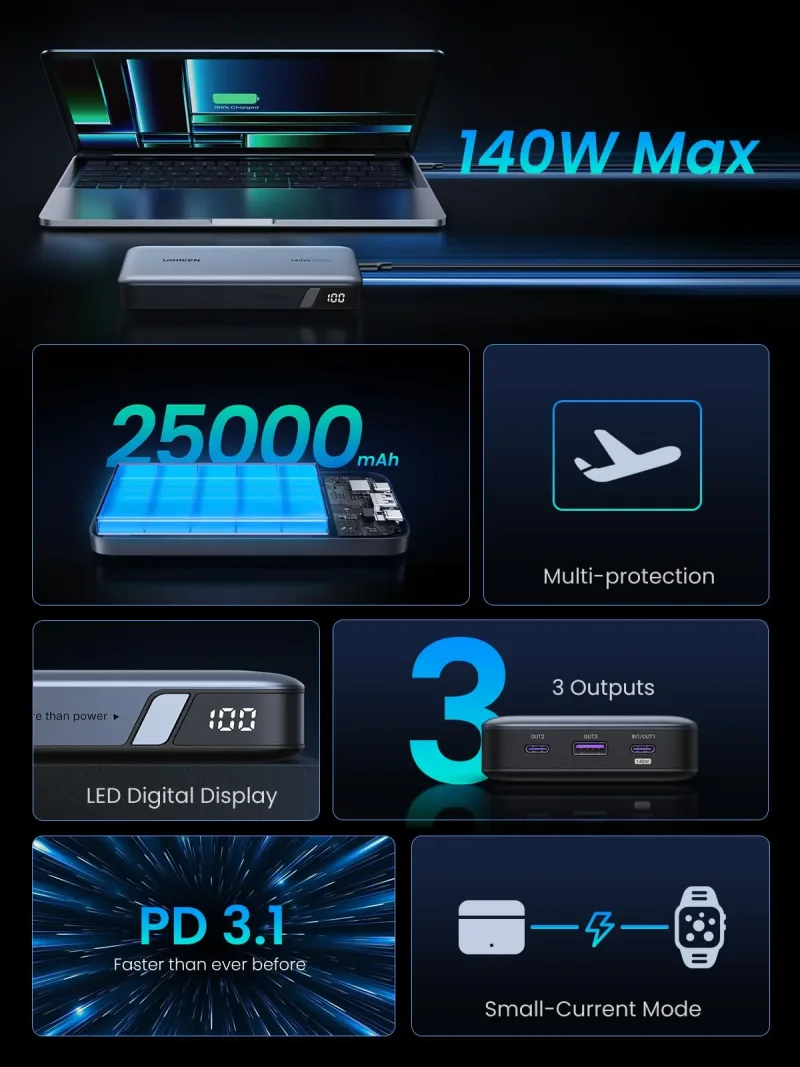
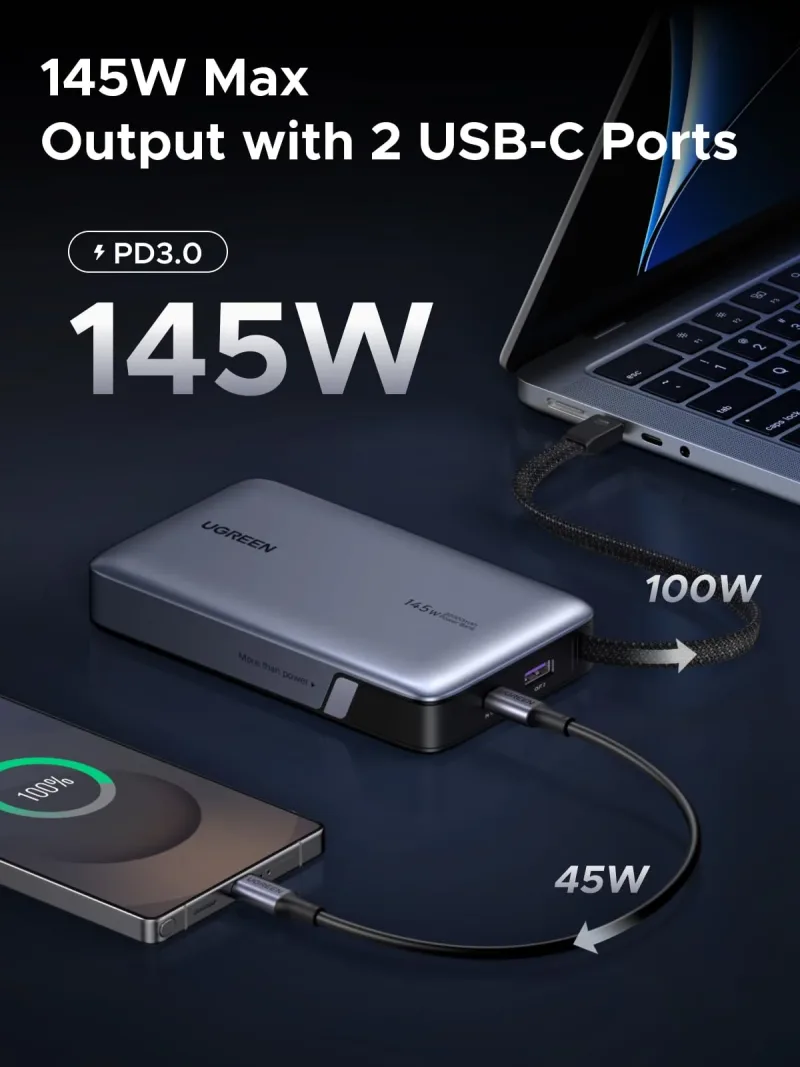
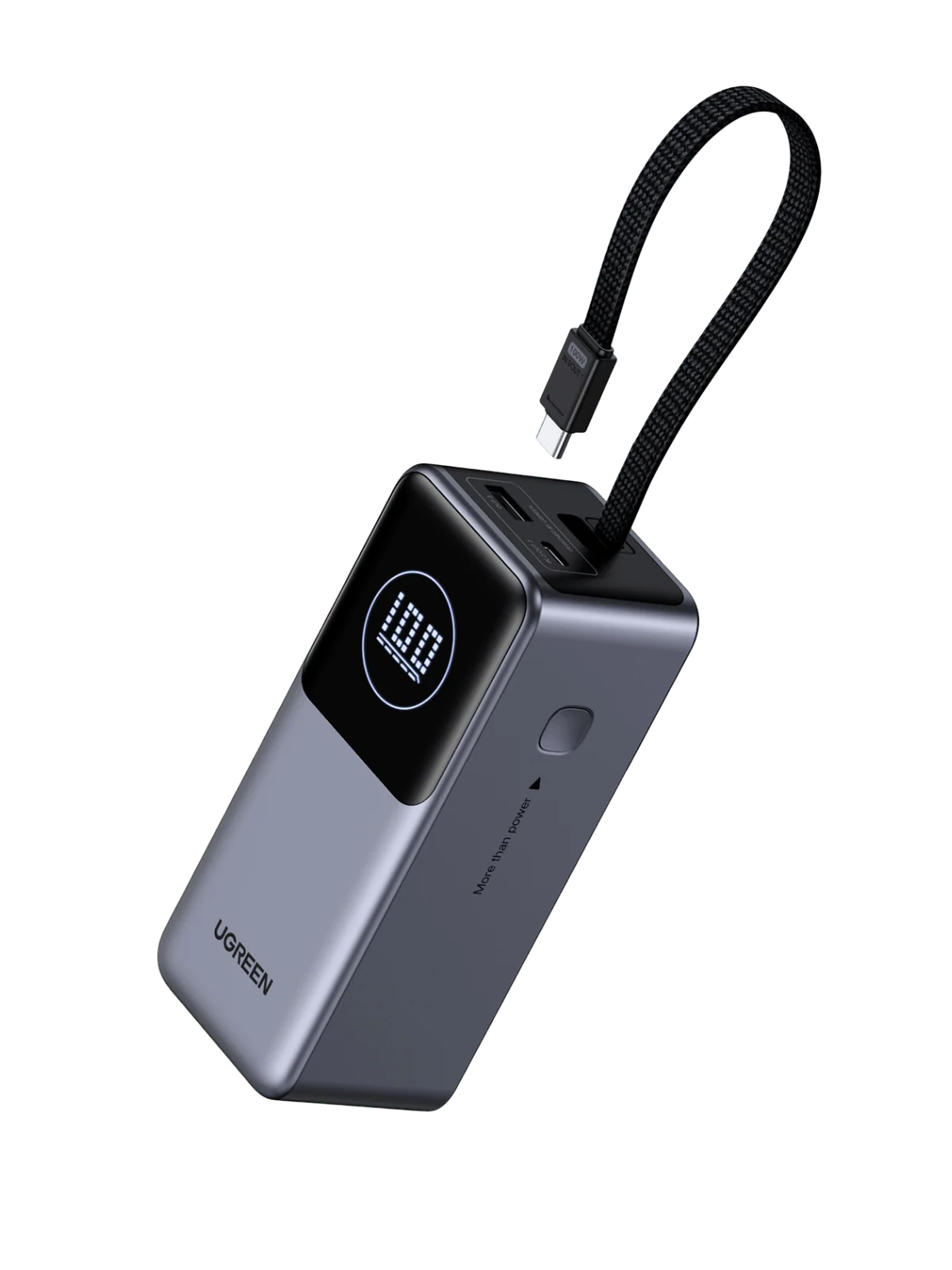
A 300W desktop GaN charger with eight ports is overkill for a weekend bag, but it's exactly right if you work from a hotel room with two laptops and a portable monitor. Pair it with the (Bundle) 145W Power Bank + 240W USB-C Cable and you've got wall power plus a battery that can top up a laptop mid-flight without hunting for an outlet.
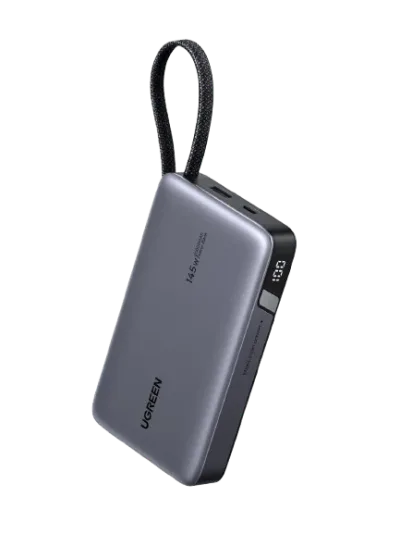
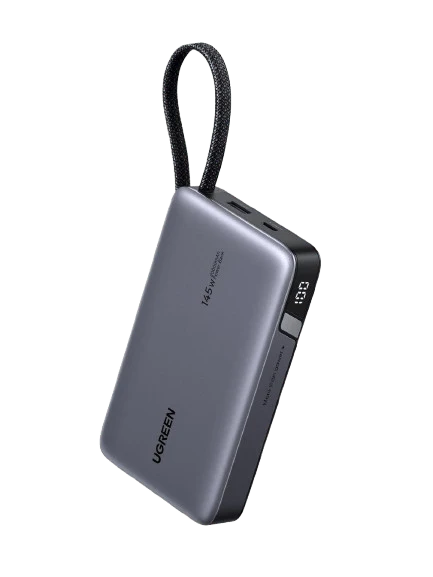
For shorter trips I swap in the UGREEN Nexode Power Bank 20000mAh 145W with Built-in USB-C Cable. The built-in cable is the whole point — no lost cord in the bottom of a backpack, no borrowing a cable from someone at a conference table.
The plug problem nobody talks about
Foldable plugs sound like a minor spec until you've tried to fit a charger into a crowded power strip behind a hotel nightstand. A slim body with a folding prong sits flush where a brick-shaped charger won't.
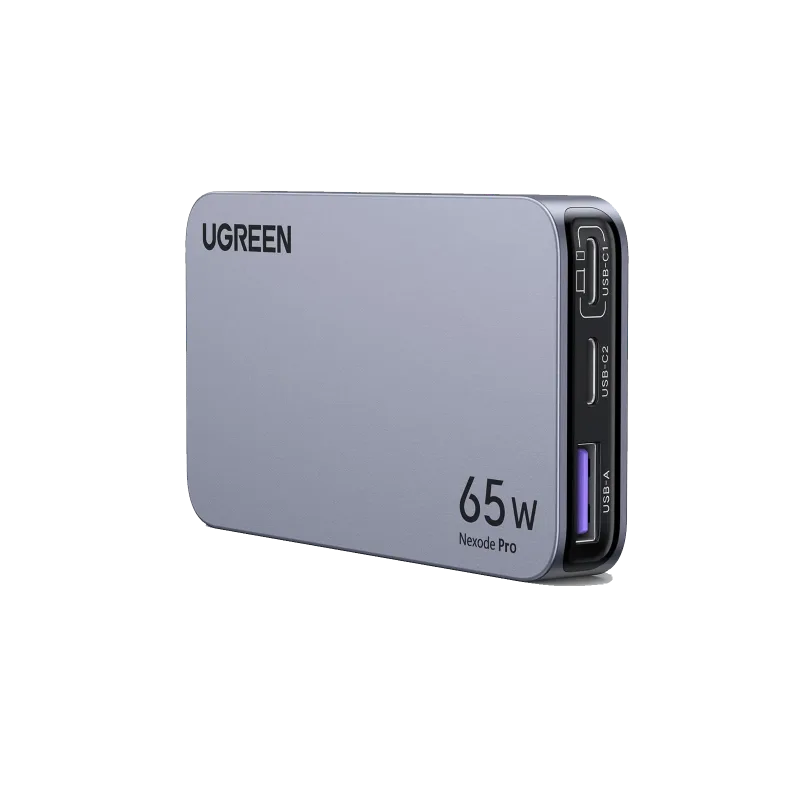
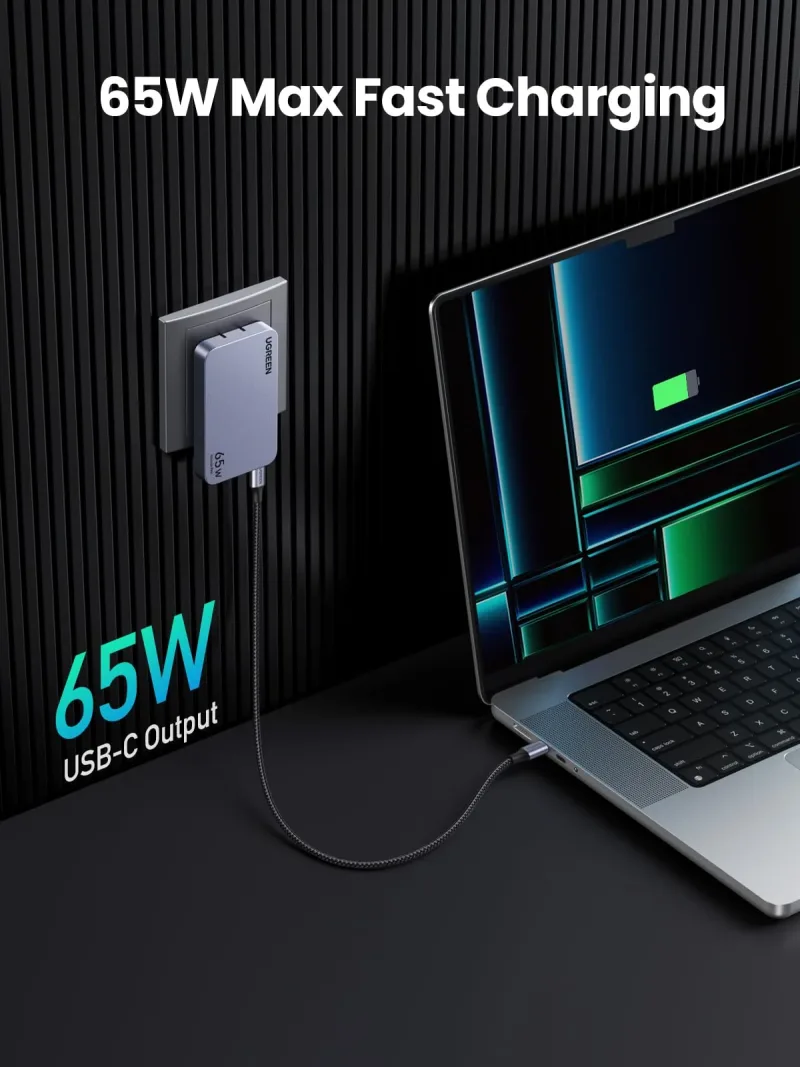
That's why the ultra-slim form factor keeps showing up on my desk. The UGREEN Nexode Pro 65W 3-Port Ultra-Slim Charger slides into a laptop sleeve side pocket and still runs a 13-inch laptop plus a phone. Chargers with retractable cables solve the other half of the mess: nothing to coil, nothing to untangle when you're packing at 6am.
Speed versus length: pick one, not both
A 16FT DisplayPort 2.1 cable at 80Gbps is a genuinely useful thing when your monitor sits across the room and your tower sits under the desk. Long runs are the reason those cables exist. But length adds cost and, in some cases, a signal repeater inside the connector housing.
On a single 4K monitor at 60Hz, a short Thunderbolt 5 USB-C cable does the job with headroom to spare, and it coils into a bag far more easily. The rule I use: if the monitor is within arm's reach of the dock, buy short. If you're running cable behind drywall or under a rug, buy long and buy certified.
Small add-ons worth the pocket space
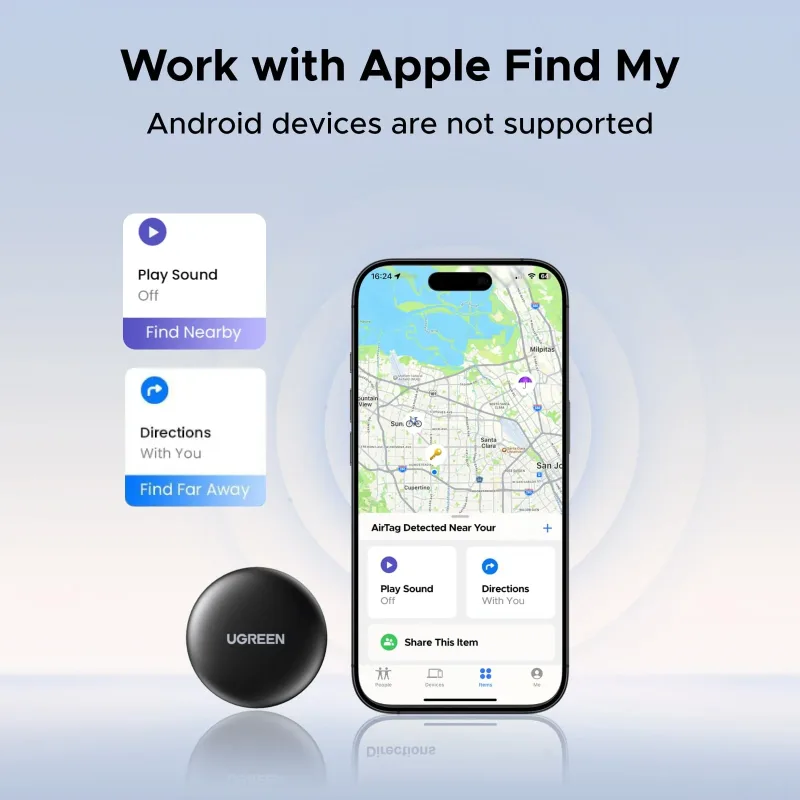
Two things live permanently in my laptop bag. First, a tracker — the UGREEN FineTrack Mini Smart Finder (2-Pack) goes in the bag and in the charger pouch, because I have absolutely left a power bank on a train seat before. Second, open-ear earbuds for calls in shared spaces. Clip-on style keeps your ears open for gate announcements, which matters more than bass response when you're traveling.
Neither is a headline purchase. Both save an afternoon.
What to check before you buy anything
- Does the cable list a wattage rating, or just a data speed? You need both numbers.
- Does the dock's power input match what your laptop actually pulls under load?
- Are the ports on the charger you're considering the ones you use daily, or the ones you think you might use someday?
Start with the cable. It's the cheapest fix and the most common cause of a dock that half-works.