Why Wattage Matters: Matching Chargers to Your Devices
Every device you own has a charging ceiling. A phone might pull 20W to 30W, a tablet closer to 45W, a thin-and-light laptop around 65W, and a 16-inch workstation-class notebook can demand 140W or more. Plug a 140W laptop into a 30W brick and it will charge, but slowly — and possibly not fast enough to keep up while you work. Match the charger's output to the device's maximum accepted wattage and you get the fastest safe charge the hardware allows.
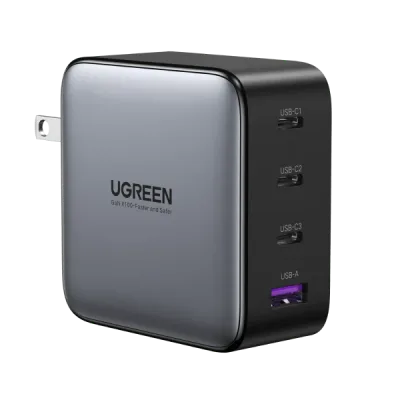
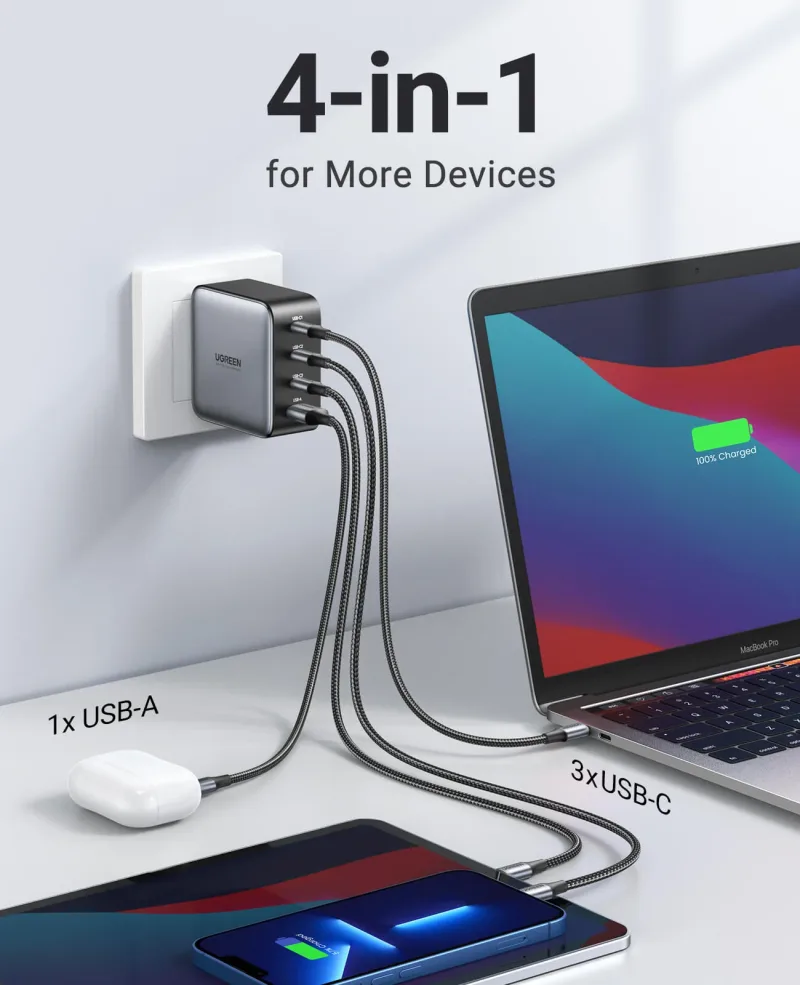
The practical rule: choose a charger that meets or exceeds your most power-hungry device, then let the smaller devices negotiate downward. USB Power Delivery handles that automatically, so a single high-wattage brick can serve a laptop, phone, and earbuds at once. A multi-port model like the UGREEN Nexode 100W 4-Port Charger covers a laptop plus three accessories from one wall outlet, which is why it earns a permanent spot on a desk or in a bag.
Power Banks vs. Wall Chargers: Building a Travel-Ready Kit
Wall chargers win on sustained output; power banks win on location independence. For travel, you generally want both — a compact multi-port wall charger for the hotel room and a power bank for airports, trains, and long days away from outlets.
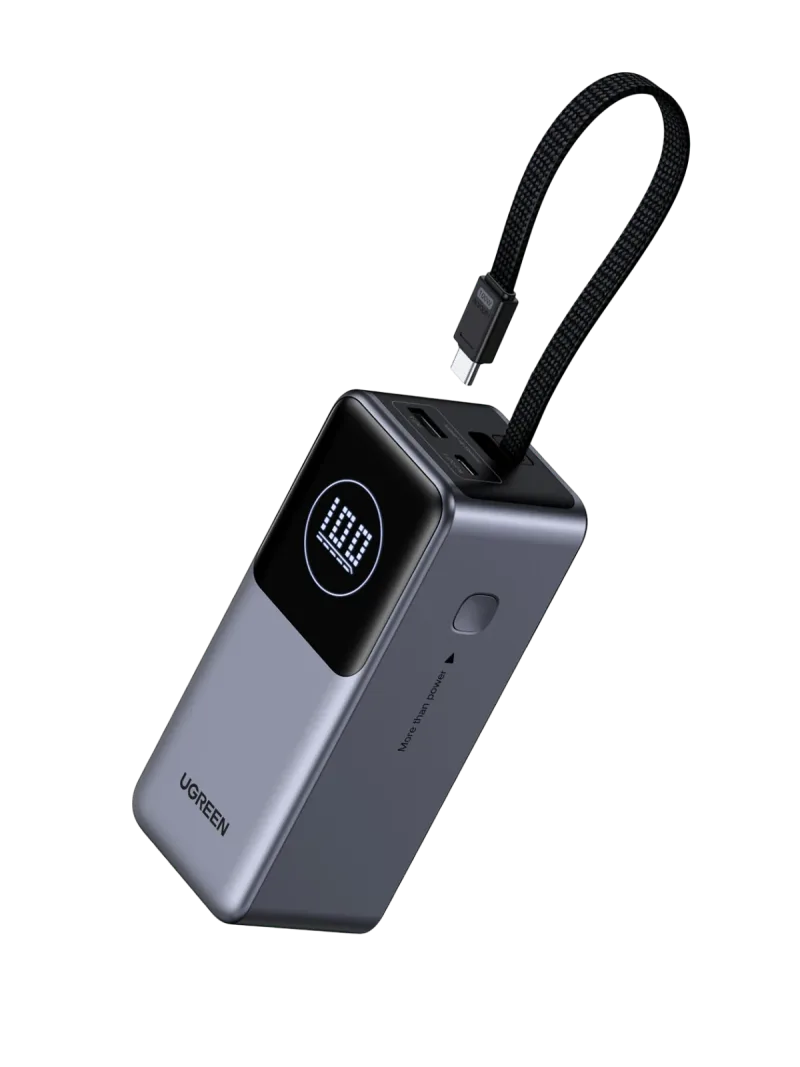
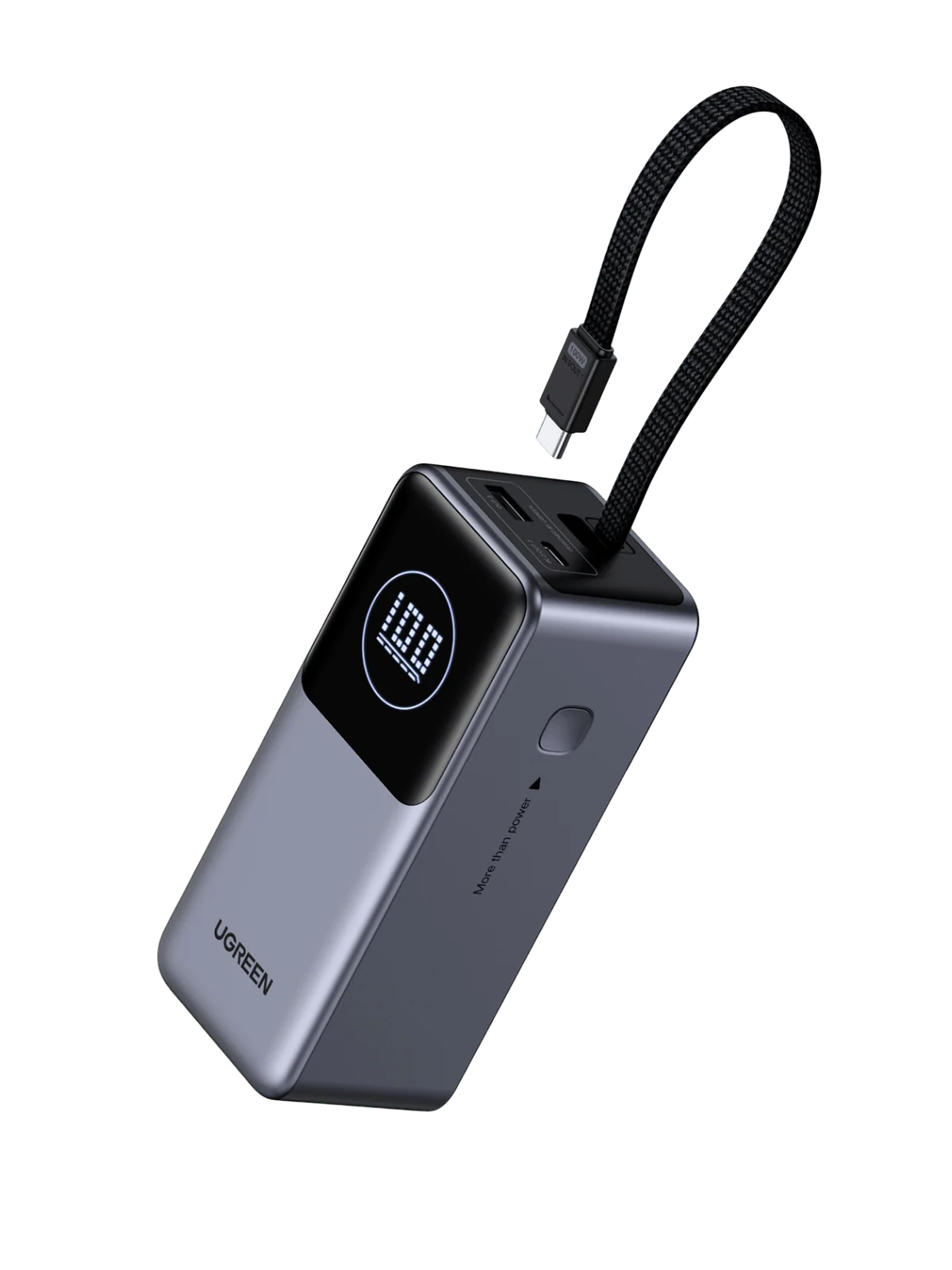
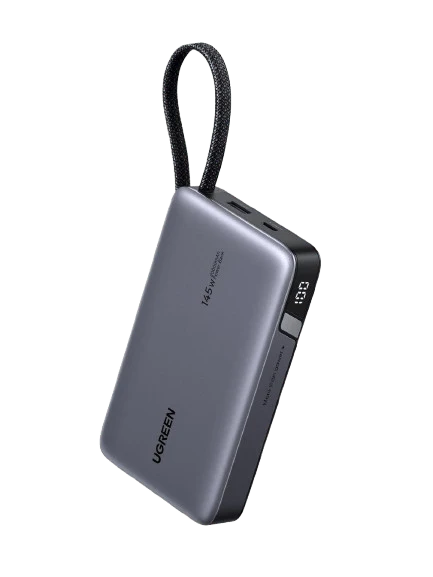
Capacity and output are separate specs, and both matter. Capacity (measured in mAh) tells you how many top-ups you can expect; output (measured in watts) tells you how fast each top-up happens. A 20,000mAh pack is a sensible middle ground for a phone-and-tablet traveler, while 25,000mAh suits someone charging a laptop on the move. The UGREEN Nexode Power Bank 20000mAh 130W with Built-in USB-C Cable pairs a generous cell count with laptop-class output, and the built-in cable means one less thing to forget. If you routinely charge a high-draw laptop, step up to the UGREEN Nexode Power Bank 25000mAh 165W with Built-in Cables, which adds capacity and headroom for demanding machines.
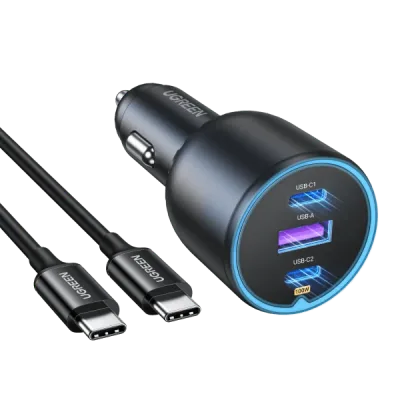
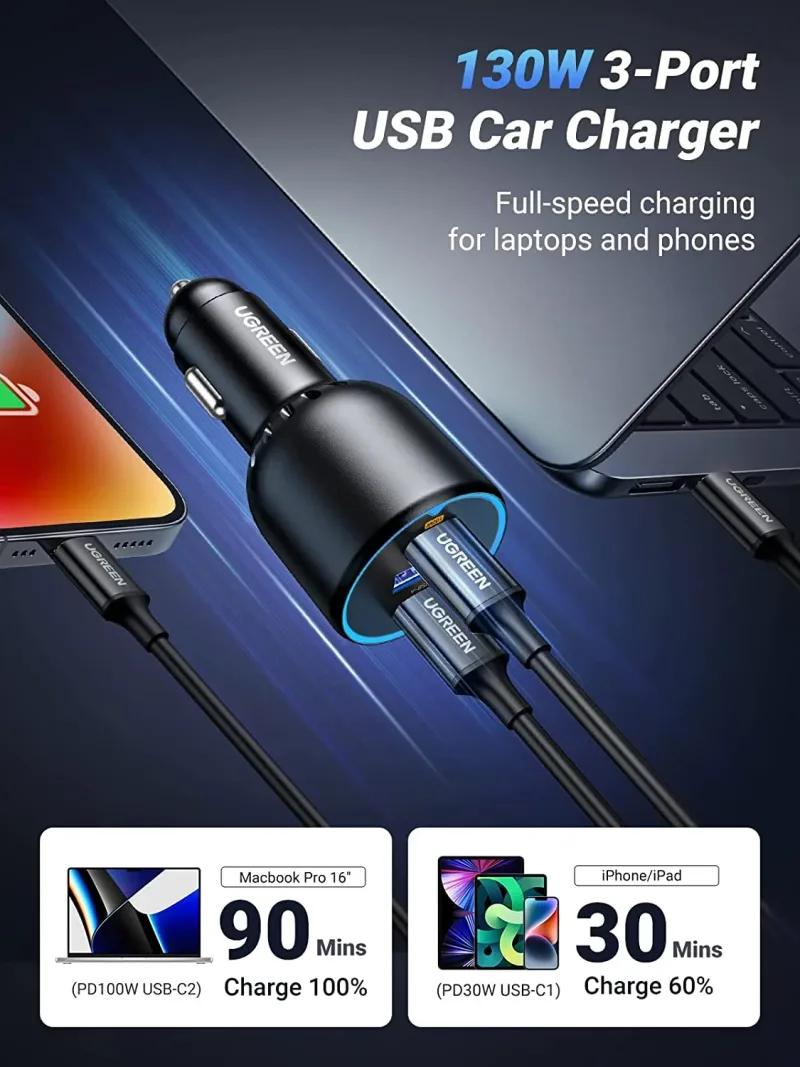
For road trips, a car charger keeps the same logic. The UGREEN 130W USB-C Car Charger can top up a laptop between stops, while a lower-wattage option is plenty for phones and navigation.
GaN and Nexode Technology: Smaller Chargers, Bigger Output
Gallium nitride (GaN) is the reason a 100W charger today fits in a pocket that a 60W brick would have filled a decade ago. GaN semiconductors switch more efficiently and waste less energy as heat, so designers can shrink the internals and pack more ports into the same shell. Nexode is the name UGREEN uses for this generation of chargers, and the lineup spans ultra-slim travel models through high-wattage desktop units.
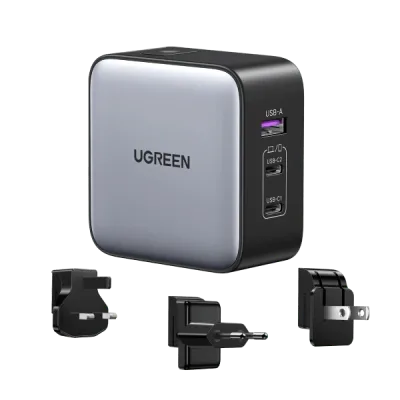
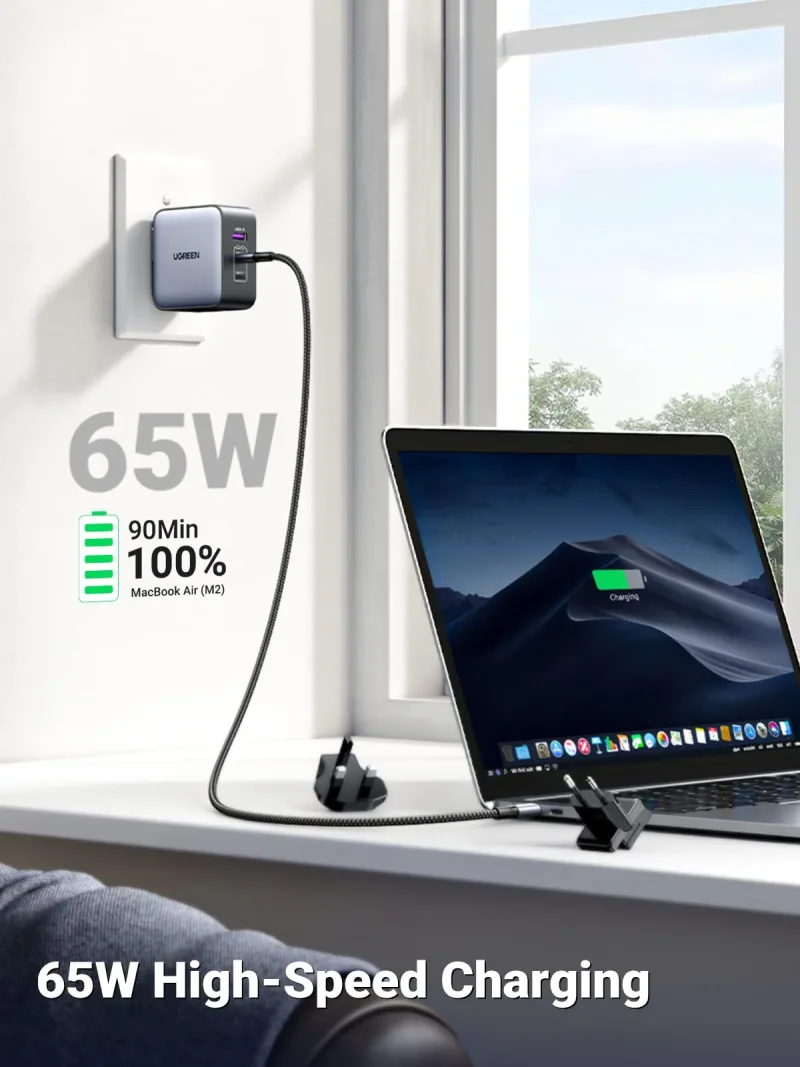
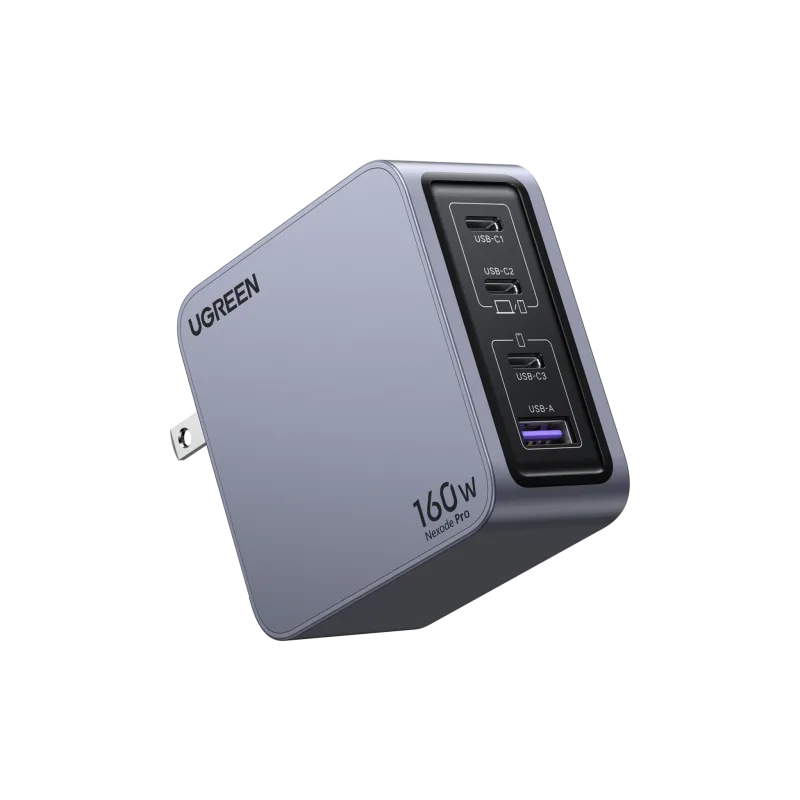
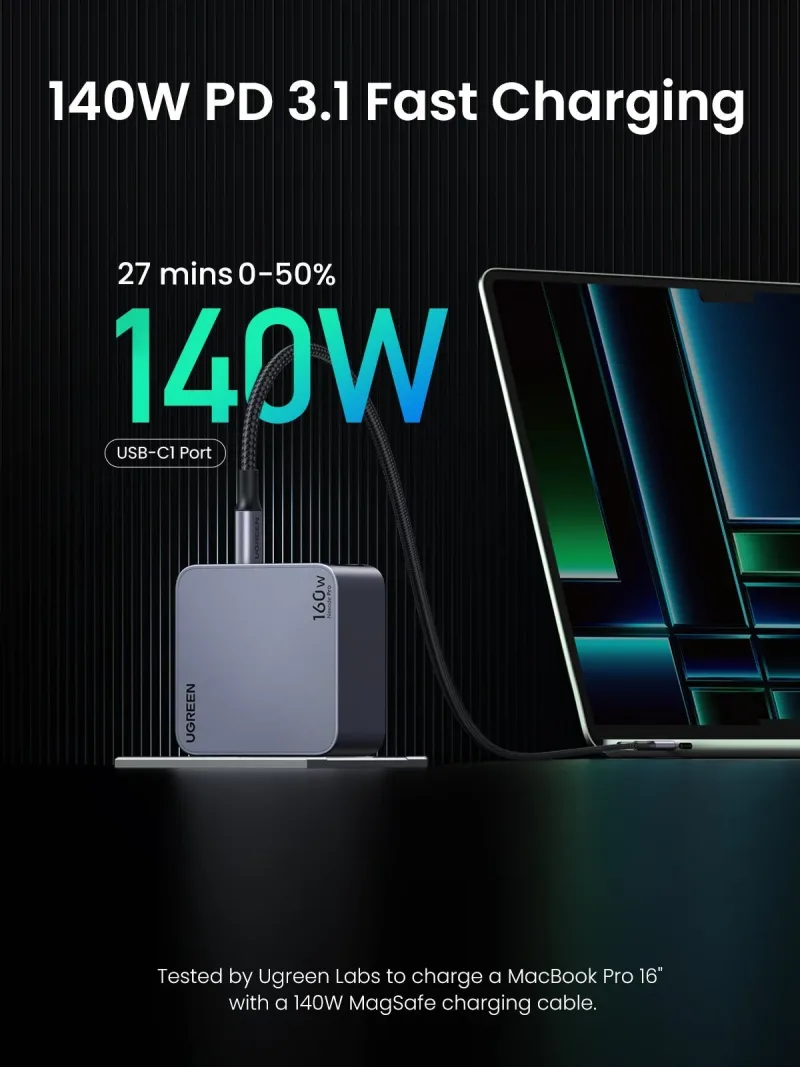
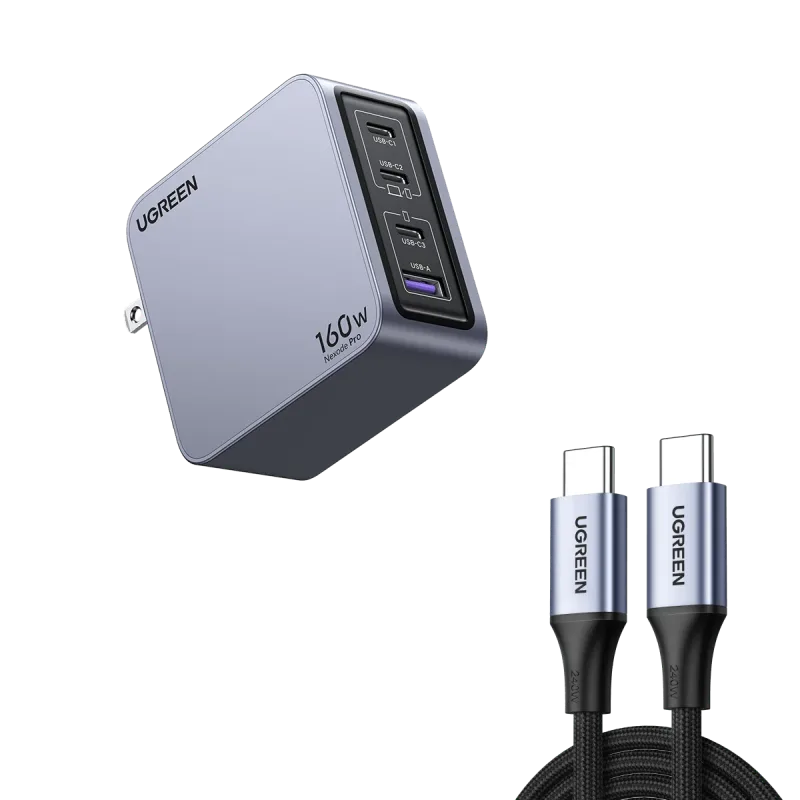
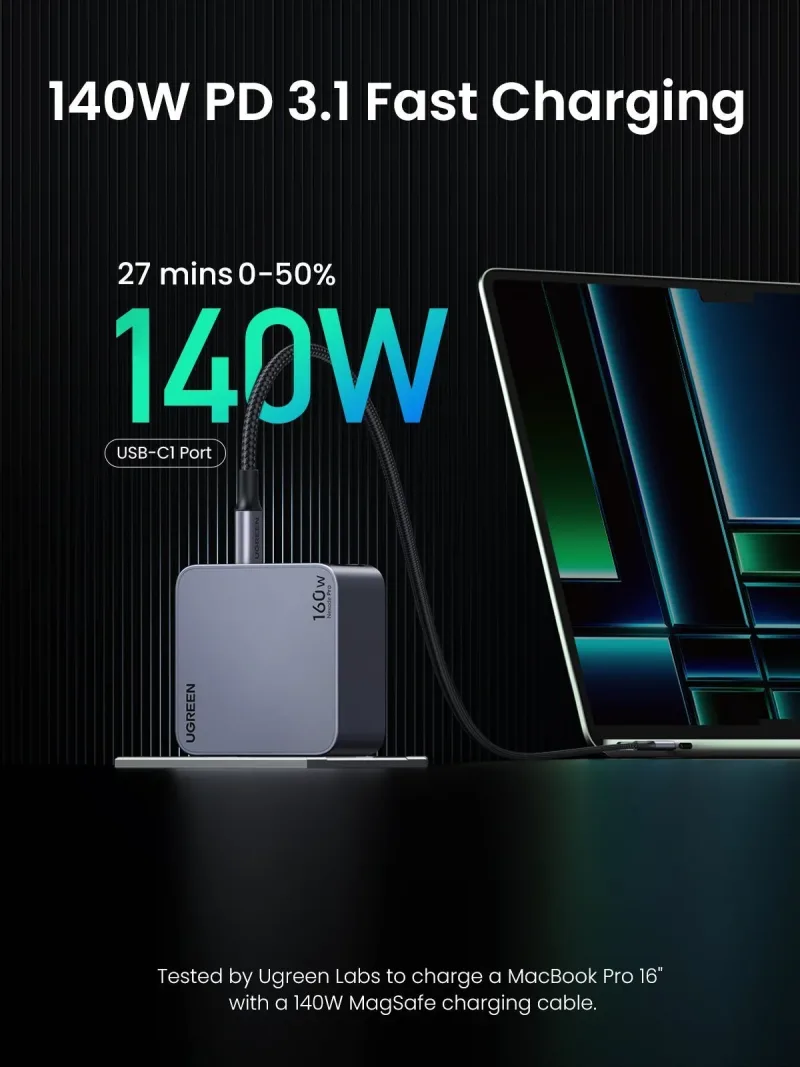
Two examples show how the range splits. The UGREEN Nexode 65W 3-Port Travel Charger with US/UK/EU Plug targets international travel: one body, three plug types, enough power for a laptop and two smaller devices. At the other end, the UGREEN Nexode Pro 160W 4-Port Charger is built for a full desk of gear — a large laptop, a monitor accessory, a tablet, and a phone, all drawing simultaneously without anyone dropping to trickle speed.
Cables That Keep Up: USB-C, Thunderbolt, and 240W Ratings
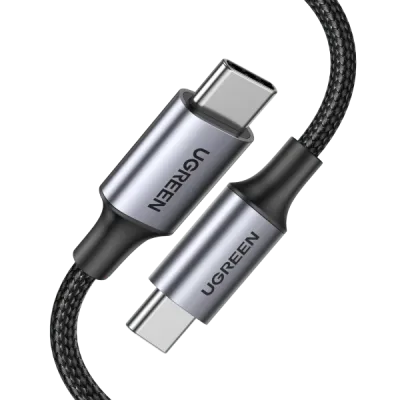
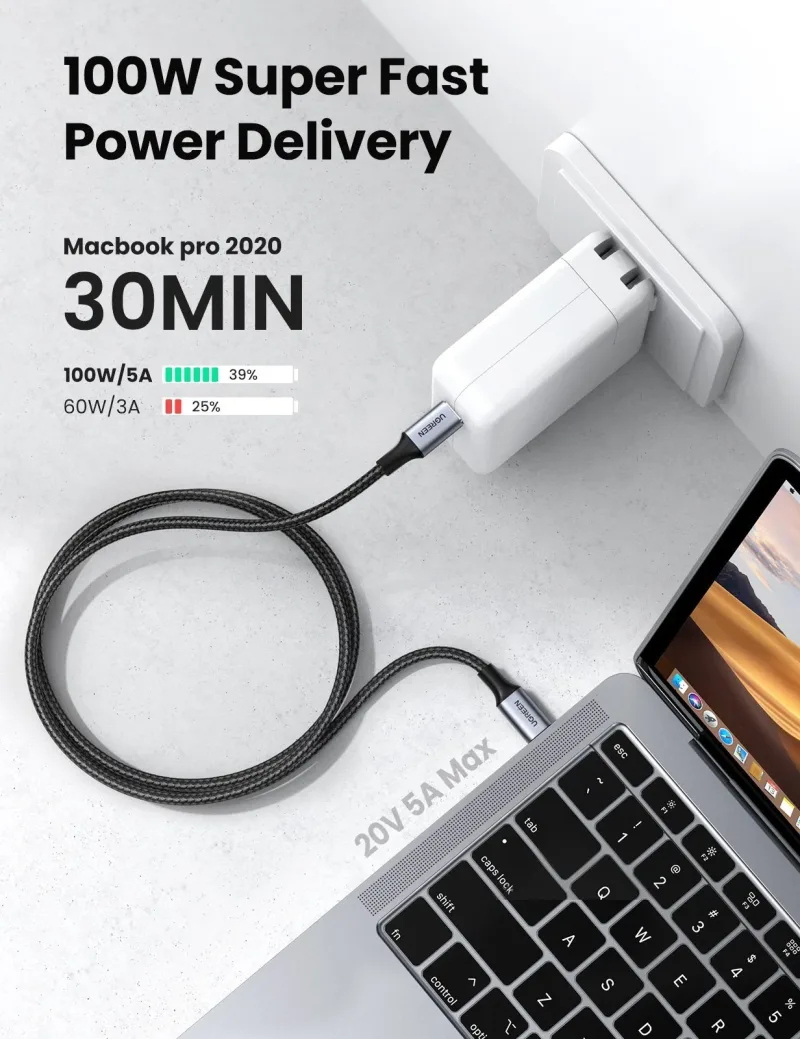
A high-wattage charger is only half the circuit. Cables have their own ratings, and an older or low-spec cable will cap your charging speed no matter what the brick can deliver. Look for the wattage printed on the connector or listing: a 100W cable handles most laptops, while 240W cables cover the newest high-draw machines and future-proof the purchase.
Data speed is a separate rating again. Charging cables prioritize power; Thunderbolt and USB4 cables carry far higher data throughput for drives, displays, and docks. If you want one cable per device that does everything, buy for the highest spec you need. The Nexode Pro 160W iPhone Charger + 240W 6FT USB-C Cable bundles a 160W charger with a 240W-rated cable, so the cable never becomes the bottleneck. Spare cables are worth stocking too — the UGREEN 100W USB C Cable 2 Pack keeps a bag, a desk, and a car covered.
Docking Stations and Hubs: One-Cable Desk Setups
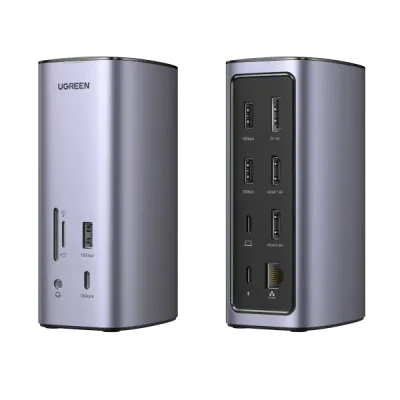
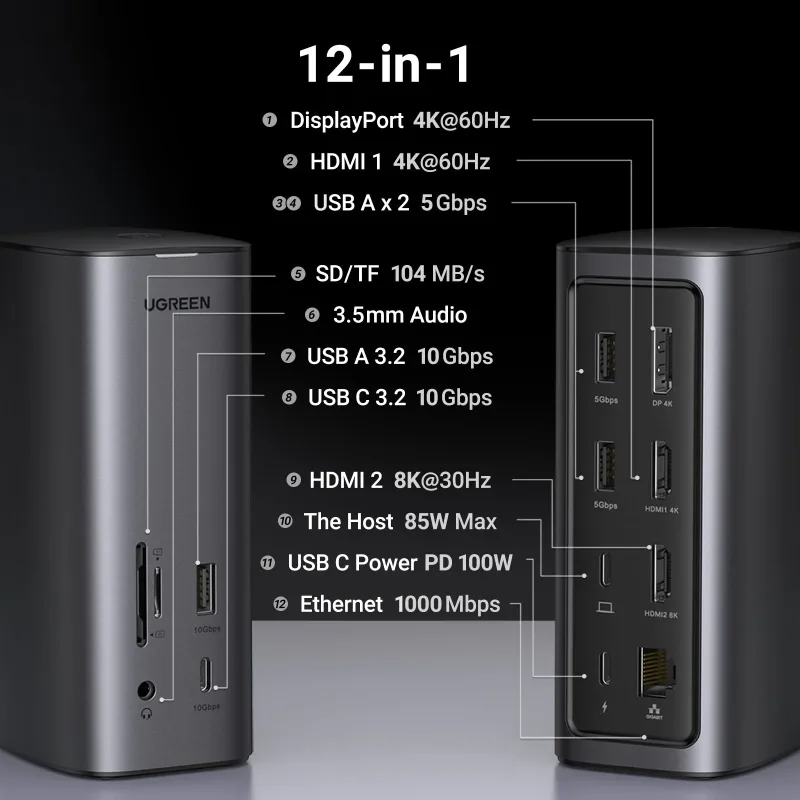
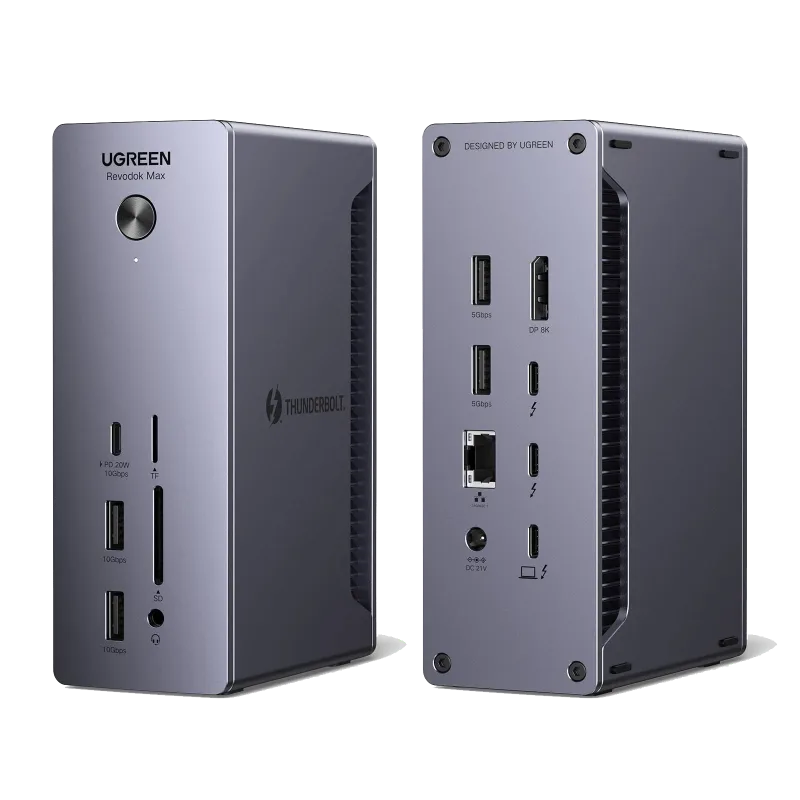
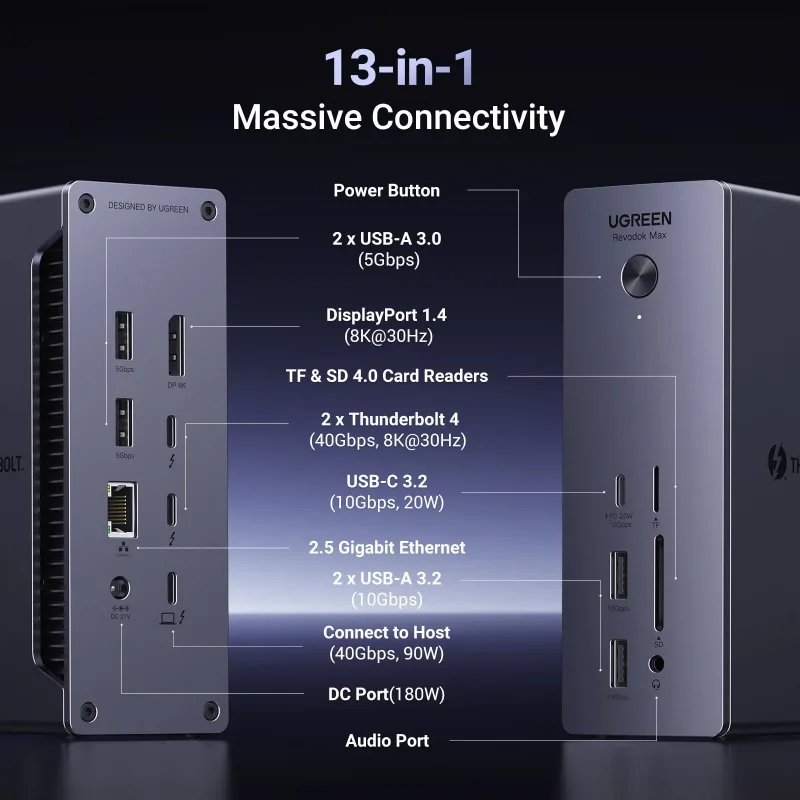
Charging is only one part of the cable problem. A docking station consolidates power, video, data, and audio into a single connection, so you plug in once and everything wakes up. For a dual-monitor desk, the UGREEN Revodok Pro 12-in-1 Docking Station with 8K HDMI adds display outputs, USB ports, card readers, and Ethernet alongside pass-through charging. Thunderbolt users who need maximum bandwidth and multi-display flexibility should look at the UGREEN Revodok Max 13-in-1 Thunderbolt 4 Docking Station.
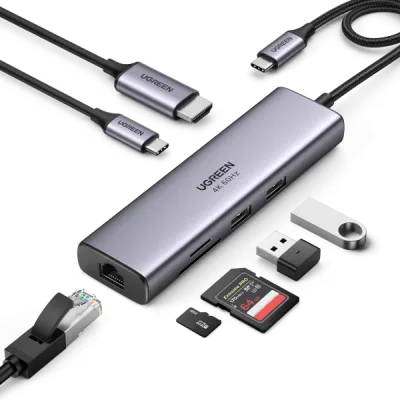
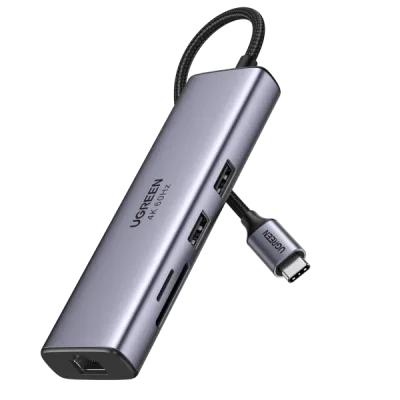
Not everyone needs a full dock. A hub such as the UGREEN 7-in-1 USB-C Hub with 4K HDMI handles the common case — external monitor, a few peripherals, and pass-through power — in something that slips into a laptop sleeve.
Putting the Kit Together
- Start with wattage: find your highest-draw device and choose a charger at or above that number.
- Add a power bank sized to your longest day away from an outlet, with output high enough for your laptop if you carry one.
- Match your cables to the charger's rating — 100W for most laptops, 240W for the newest high-power machines.
- Consolidate your desk with a dock or hub so one cable handles power, display, and data.
- Cover the car and the road with a car charger and a travel charger that accepts multiple plug types.
Build the kit around your most demanding device and everything else falls into place. When in doubt, buy a little more wattage than you need today — future laptops will thank you.