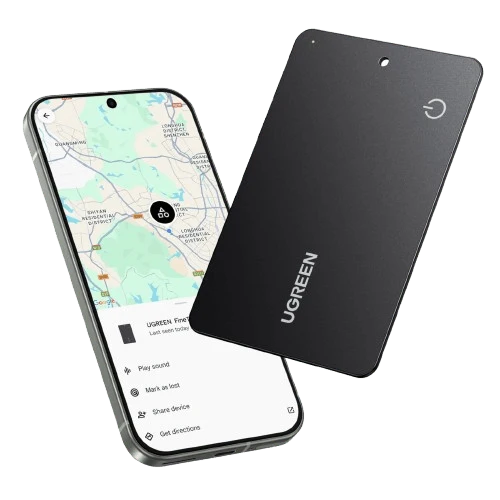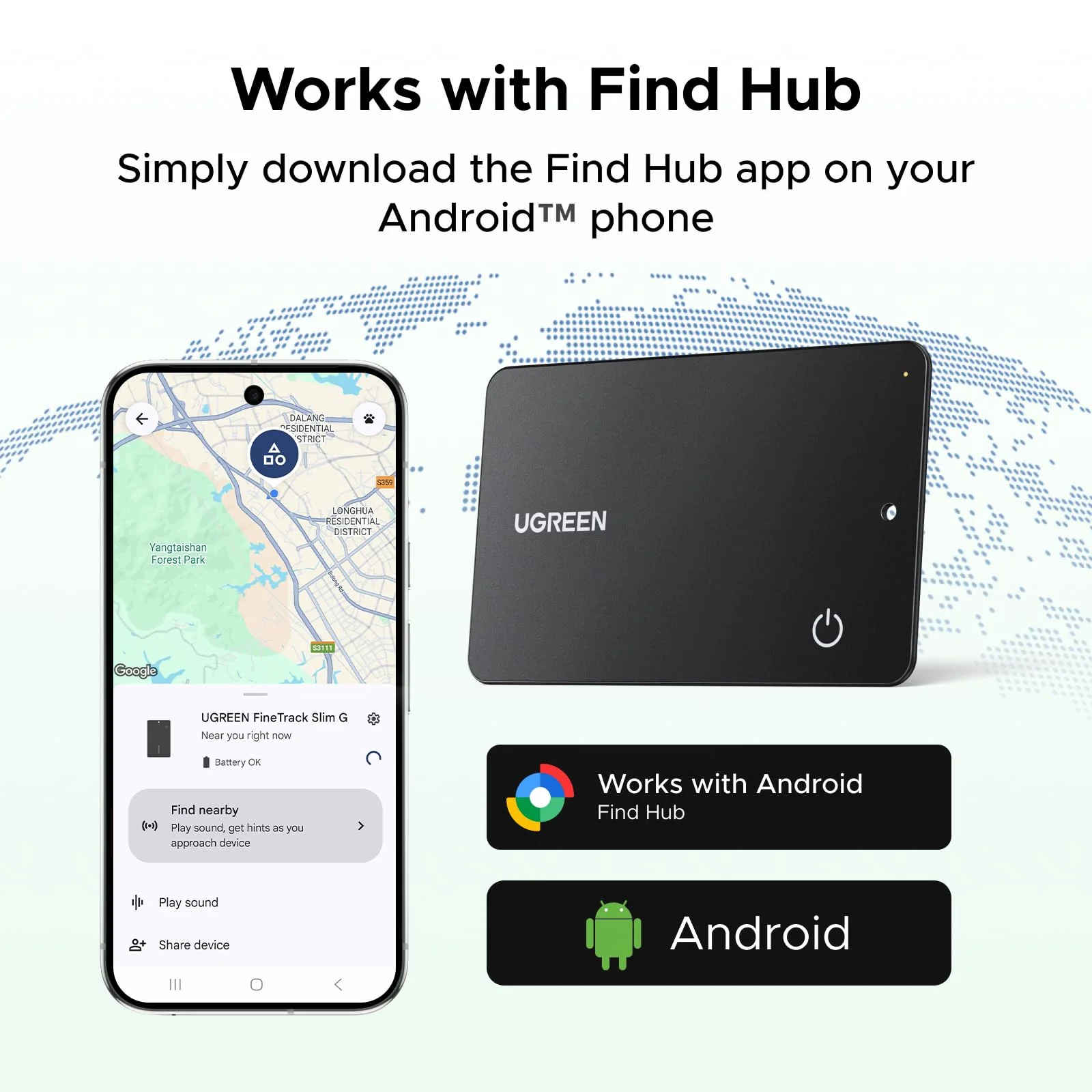
How do I successfully connect my phone to the tracker?
1.
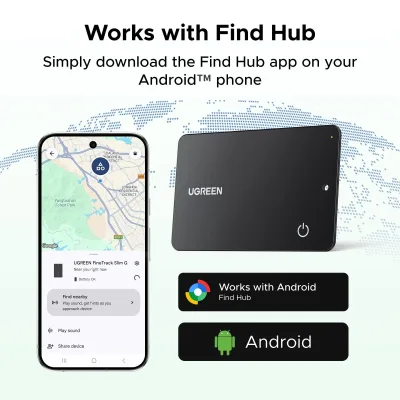
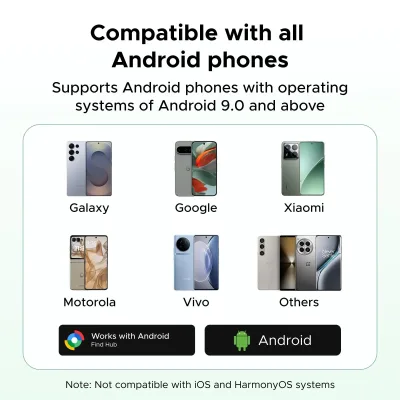
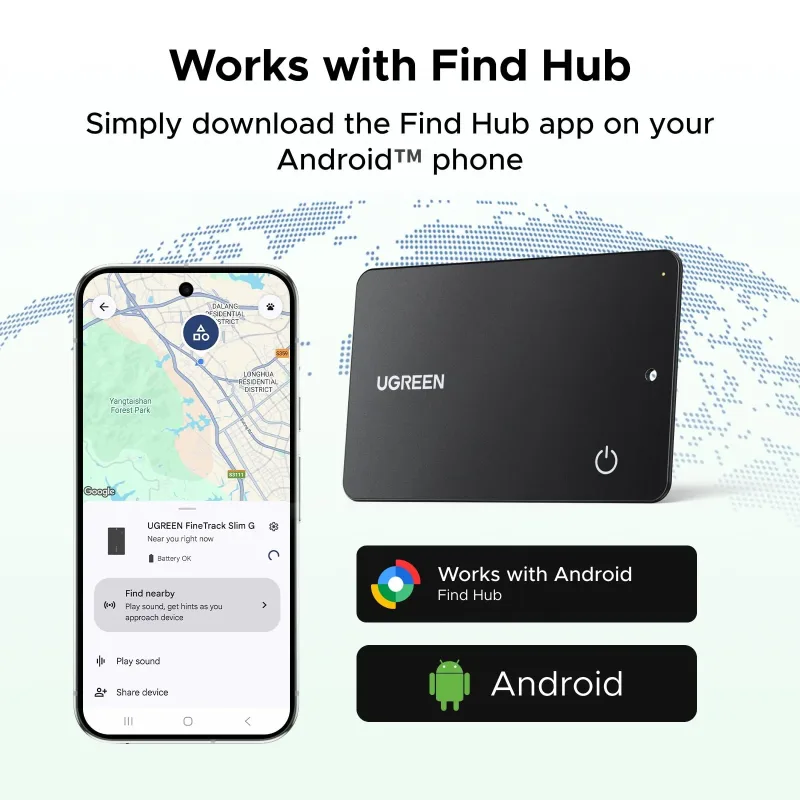
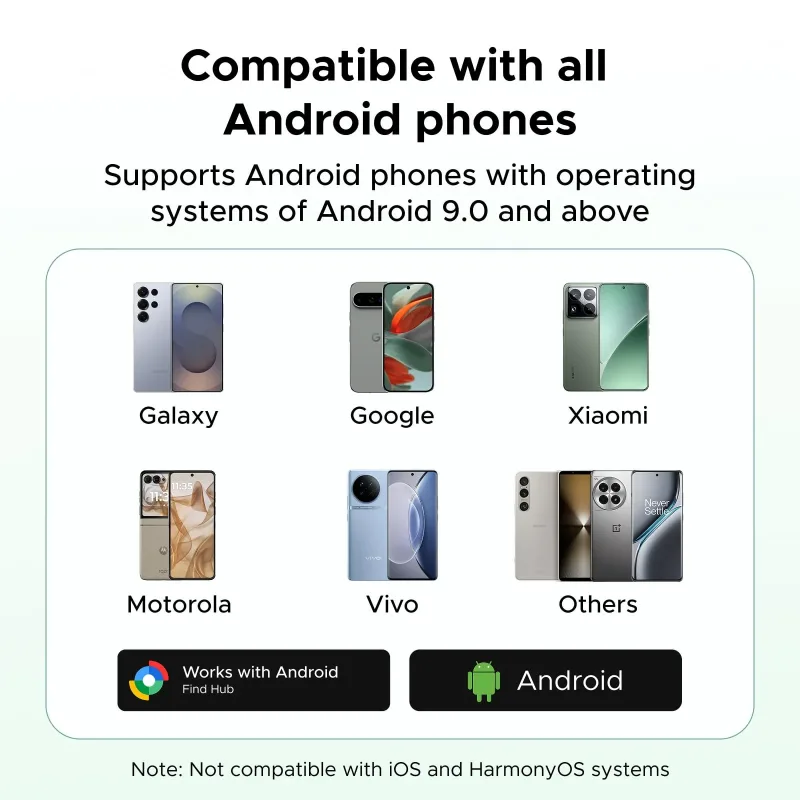
Please make sure your Android phone supports Android 9.0 or above.
2.
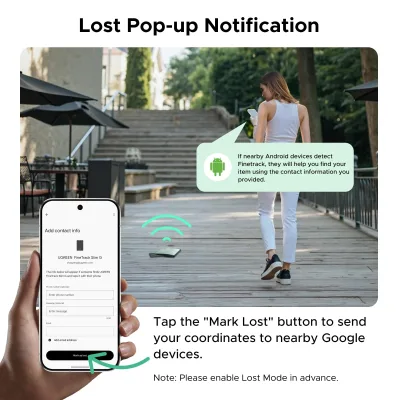
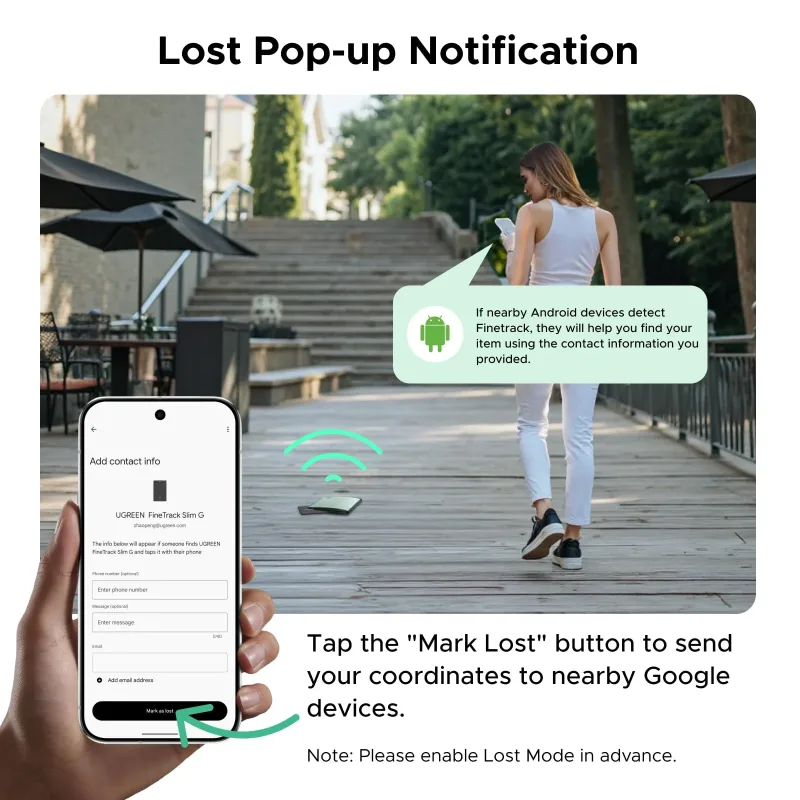
To ensure the pop-up appears correctly on your Android phone, please make sure your Google Play Services and Google Find Hub are updated to the latest versions.
3.
What should I do if the tracker still can't connect after the pop-up appears?
A. If you accidentally exit the pop-up screen after the pop-up appears, please wait for the next pop-up, or wait 5 minutes or restart your phone before the pop-up appears again.
B. Click "Close" after the pop-up appears. This will prevent the pop-up from appearing again. You will need to wait 5 minutes or restart your phone before the pop-up appears again.
C. On some phones, the pop-up may appear normally for a while but then suddenly stop. Even if waiting 5 minutes doesn't work, restarting the phone may restore the connection.
Quick Operation Guide
Power On: Press the button once to power on. You will hear four consecutive "di" prompts (power indicator flashes).
Shut Down: Double-press the button twice, then hold it for 5 seconds until you hear a "di" sound. Release to hear two "di" prompts, indicating successful shutdown. First-time Power On: Automatically shuts down after 5 minutes if no binding record exists.
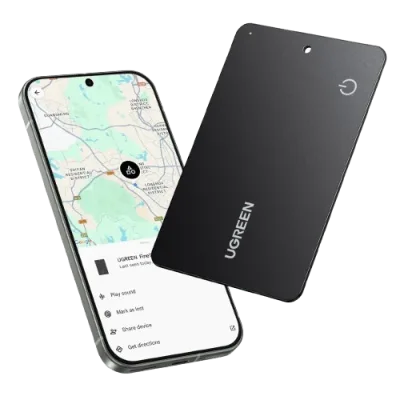
Pairing: Android phones will receive a pop-up pairing prompt. Select "Pair," then follow instructions to click "Accept & Continue."
1)Double-press the button twice to hear one "di" prompt. 2)Hold the button for 5 seconds until you hear a "di" every second. 3)Continue holding until two "di" prompts sound, then release. 4) "di" prompts confirm successful reset.
Incompatible Device List
Note: Due to the recent Google system update, some phones (Motorola Moto G Stylus 5G, Motorola Edge, TCL 30XL, TCL 30Z, Google Pixel 8) may experience temporary incompatibility. We are working on optimization and will update the compatibility list once resolved.
4.0
1 global reviews
5 0
4 1
3 0
2 0
1 0
GadgetHound
2026-10-14
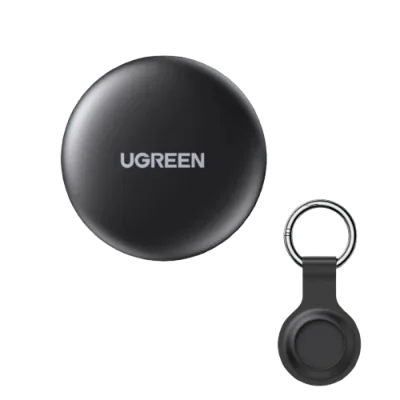
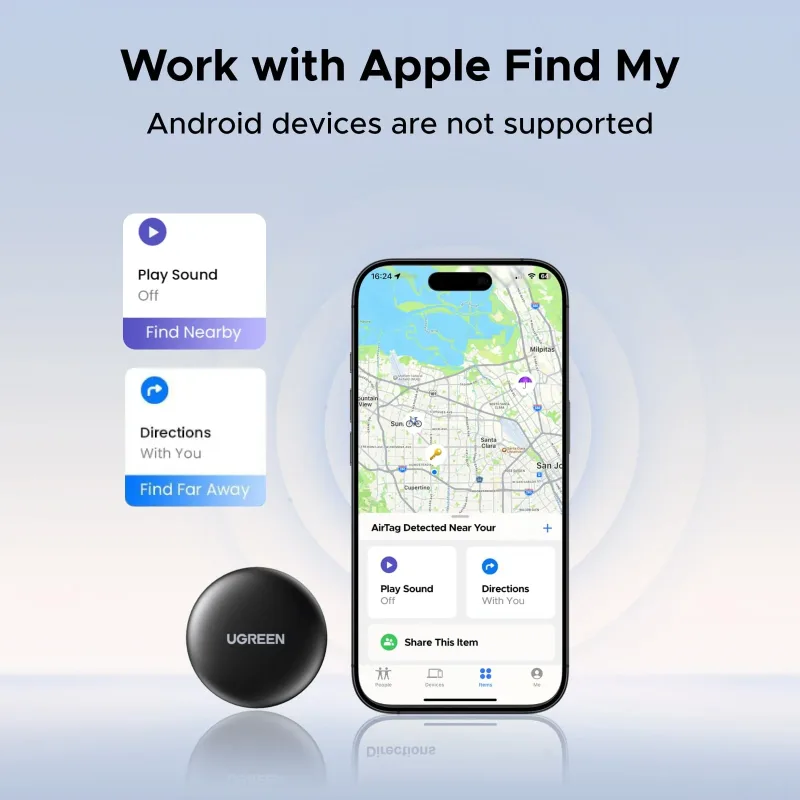
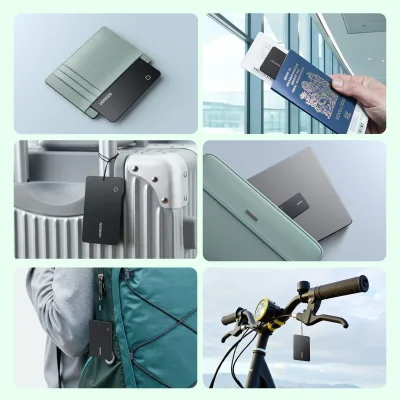
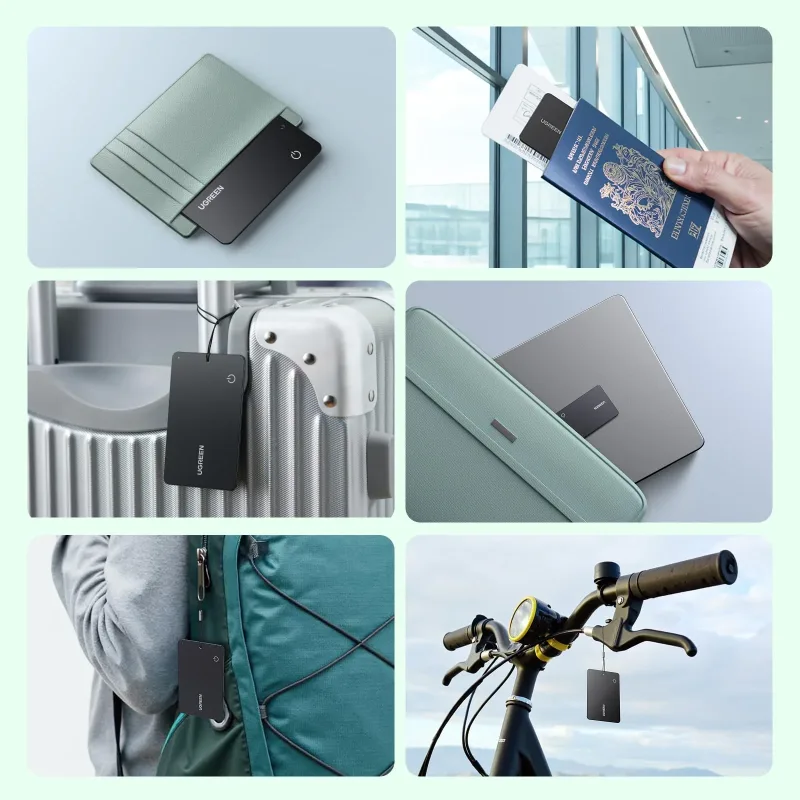
I picked up the UGREEN FineTrack Slim G Smart Finder for my Android phone, and it does what it promises. The slim design slides easily into a wallet or bag pocket, and pairing with Android went smoothly. It's handy for keeping track of keys and my backpack when I'm rushing out. Range is decent around the house, though it won't work with iPhone, so keep that in mind. Overall a solid little tracker for Android users who want something compact.
Hot Products
UGREEN Nexode Power Bank 20000mAh 130W with Built-in USB-C Cable
$39.99$79.99-50%
UGREEN Nexode Power Bank 20000mAh 145W with Built-in USB-C Cable
$31.50$89.99-65%
UGREEN FineTrack Mini Smart Finder (2-Pack)
$13.00$36.99-65%
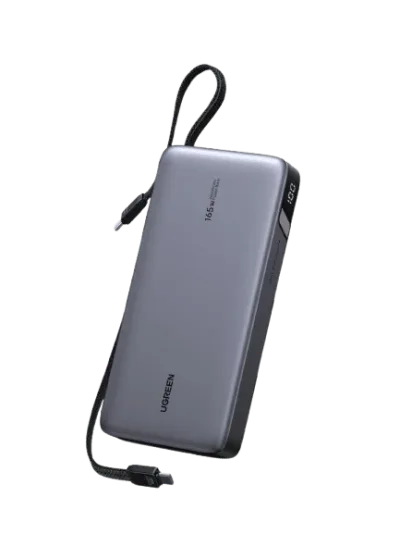
UGREEN Nexode Power Bank 25000mAh 165W with Built-in Cables
$55.00$109.99-50%
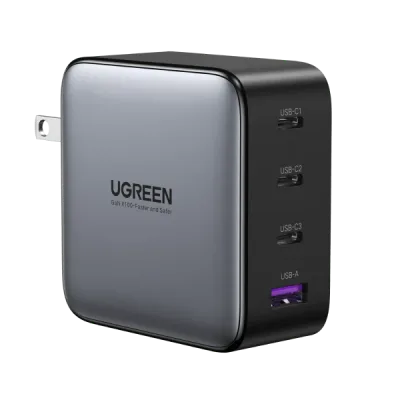
UGREEN Nexode 100W 4-Port Charger
$20.00$54.99-64%
UGREEN 130W USB-C Car Charger
$11.25$39.99-72%
UGREEN 69W USB C Car Charger
$15.00$29.99-50%
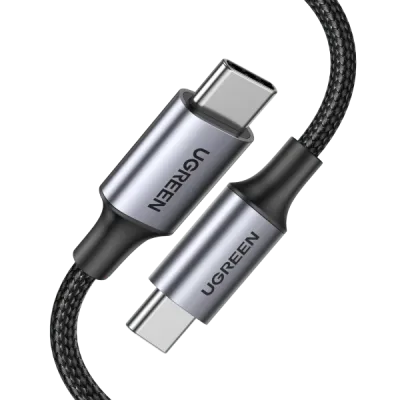
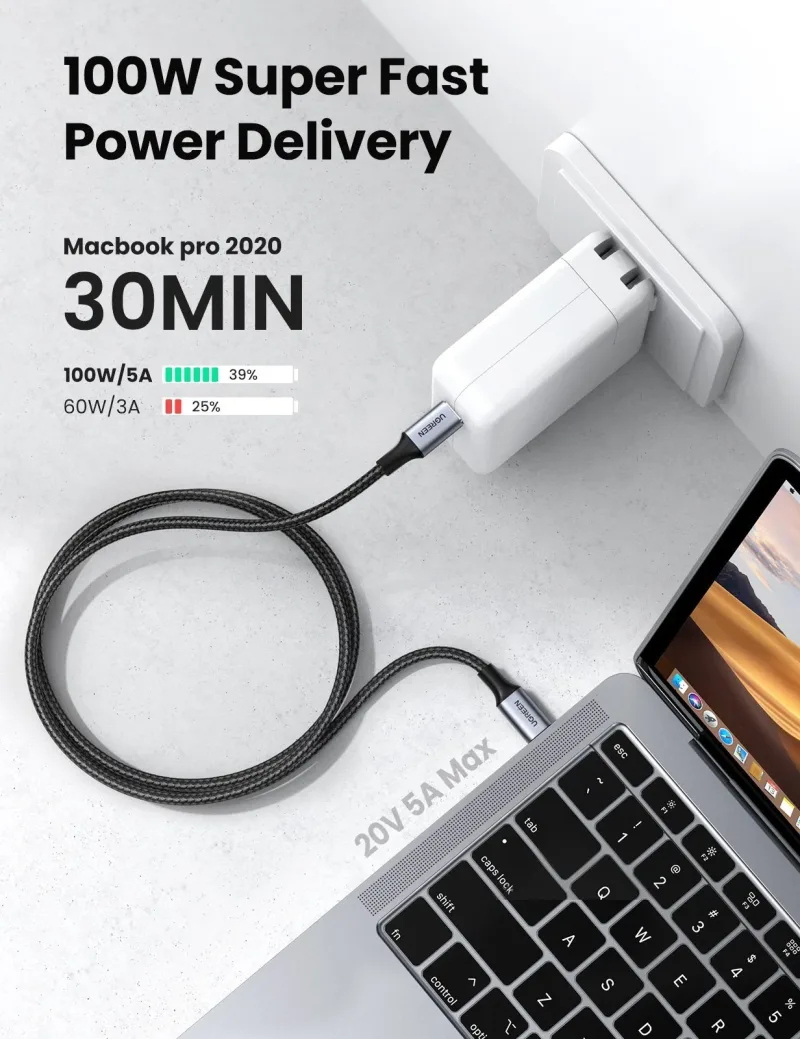
UGREEN 100W USB C Cable 2 Pack
$11.50$22.99-50%
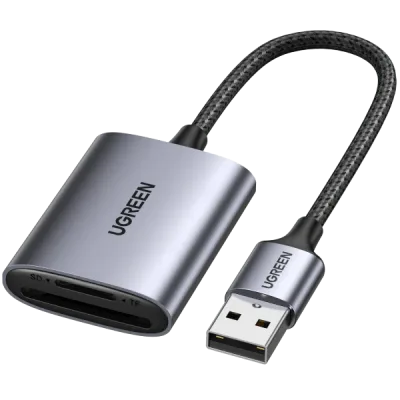
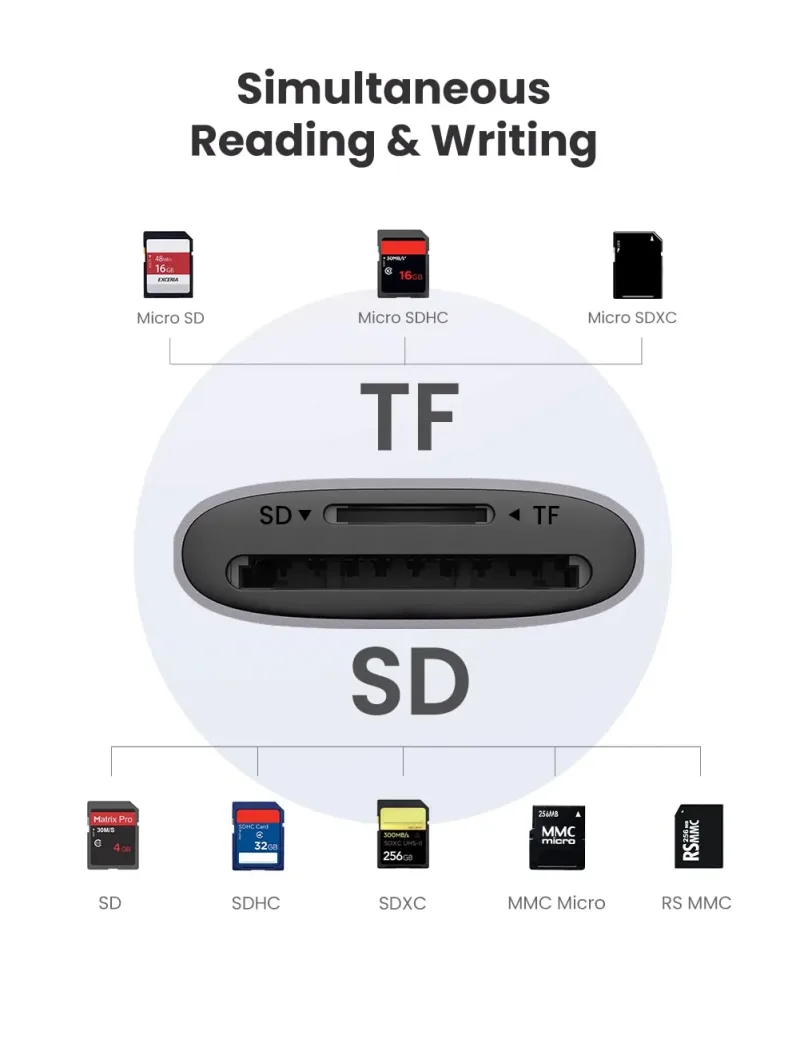
UGREEN 2 in 1 USB SD Card Reader
$6.50$12.99-50%
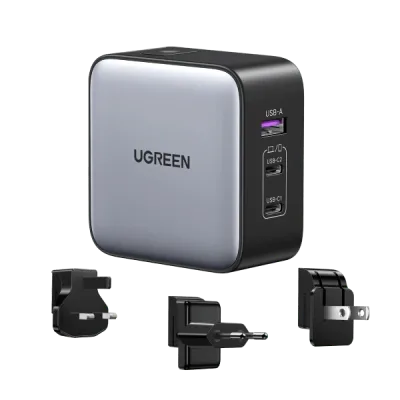
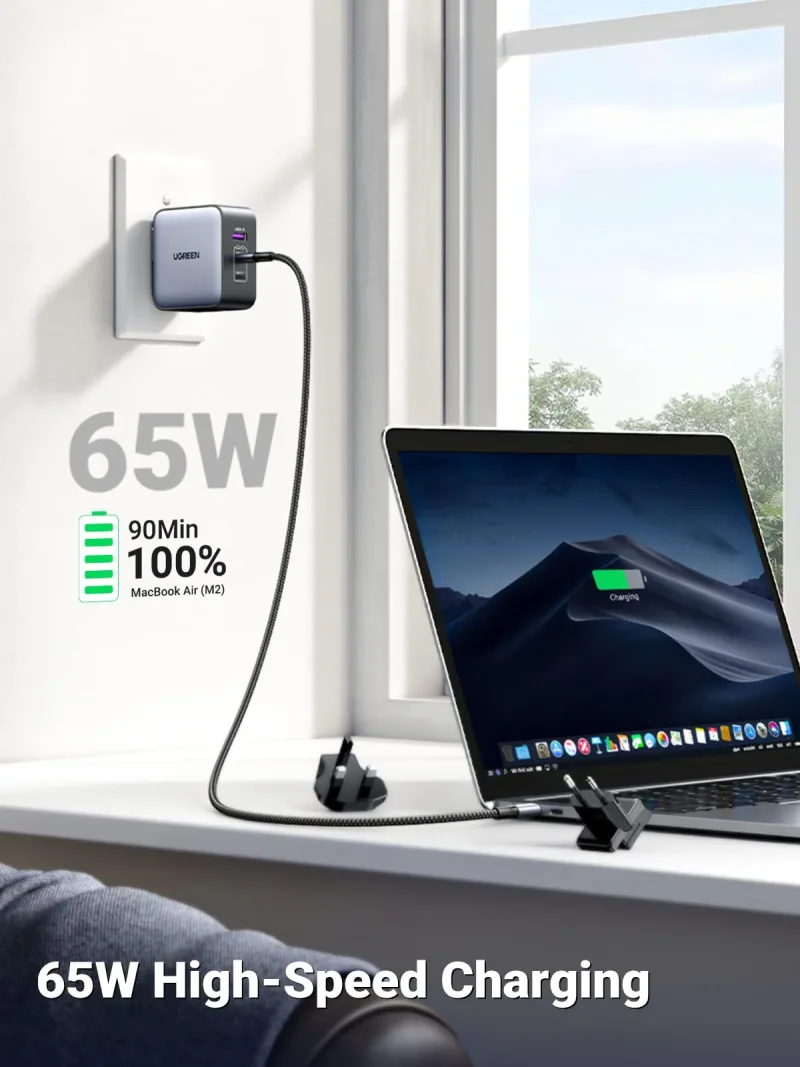
UGREEN Nexode 65W 3-Port Travel Charger with US/UK/EU Plug
$25.00$49.99-50%
We value your privacy
We use cookies to enhance your browsing experience, serve personalized content and analyze our traffic.
Privacy Policy
Cookie Preferences
Choose which cookies you'd like to allow. Necessary cookies keep the site working and can't be switched off.
Strictly Necessary Always on
Required for core functions like cart, checkout and security.
Analytics & Performance
Help us understand how visitors use the site so we can improve it.
Marketing & Ads
Used to deliver relevant ads and measure their performance.