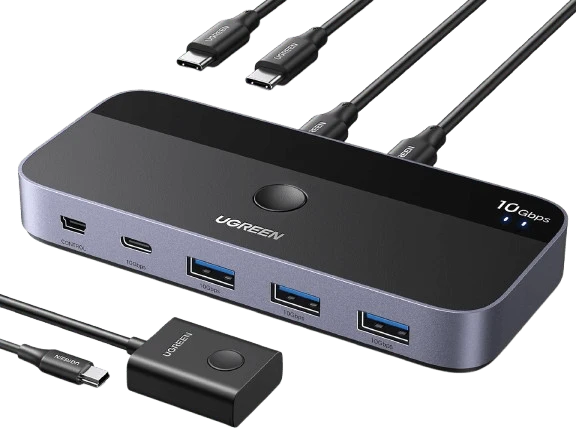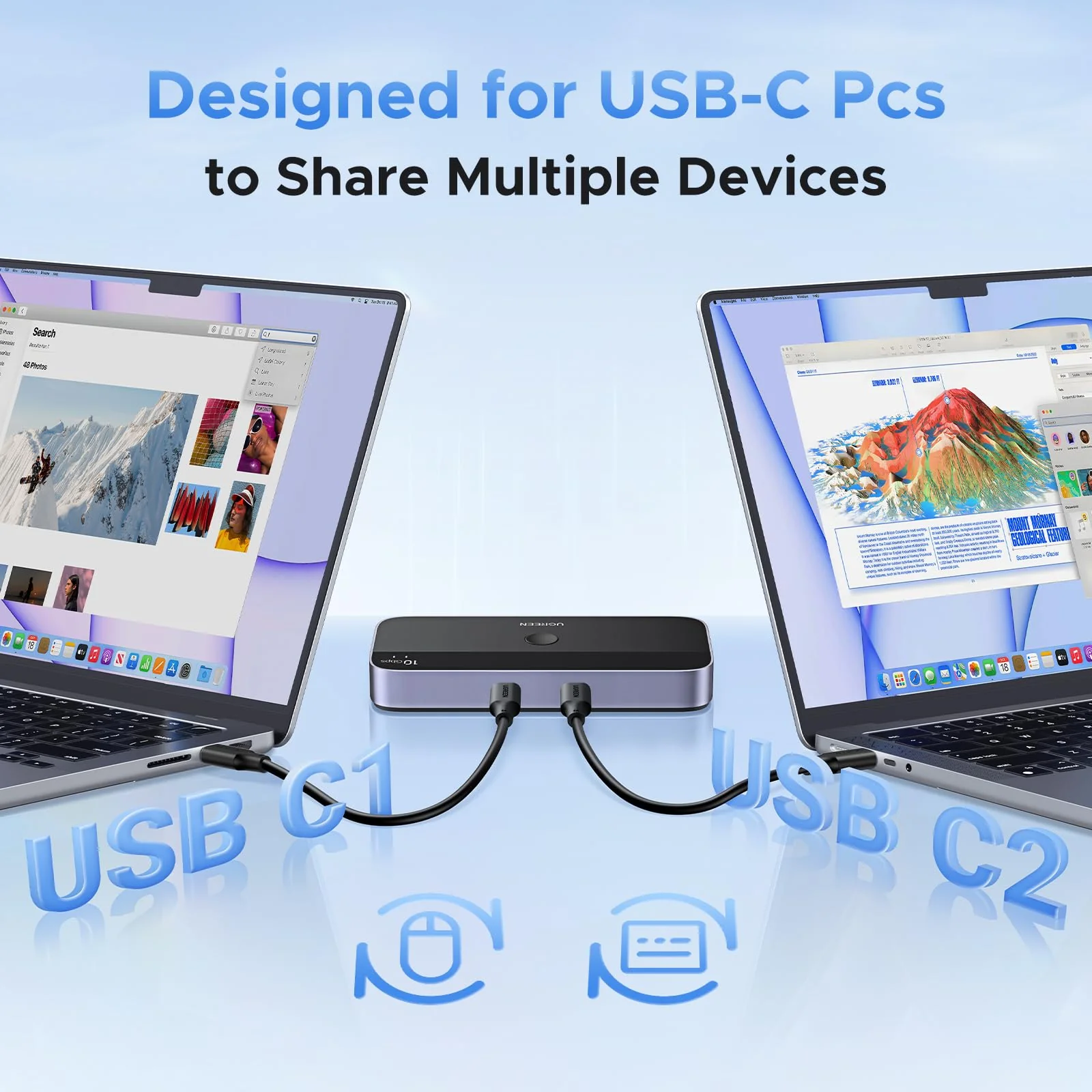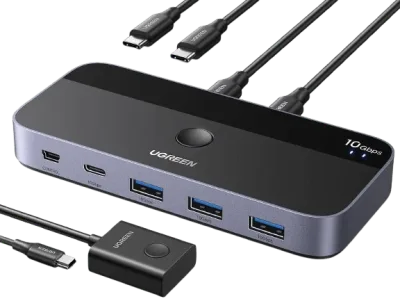
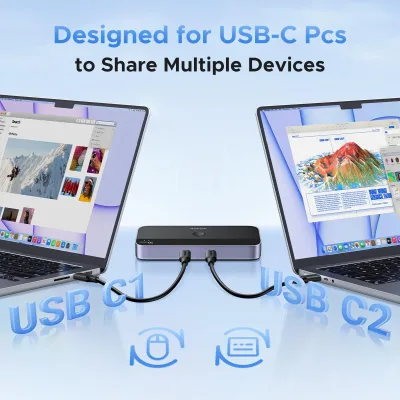
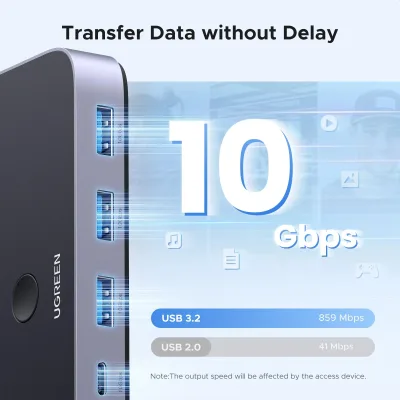
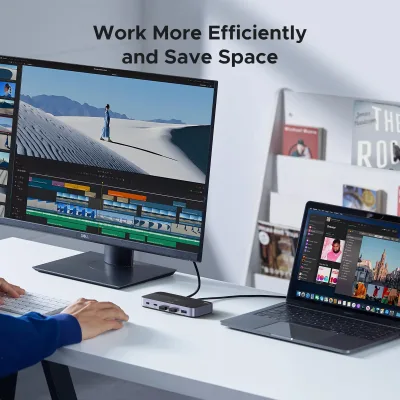
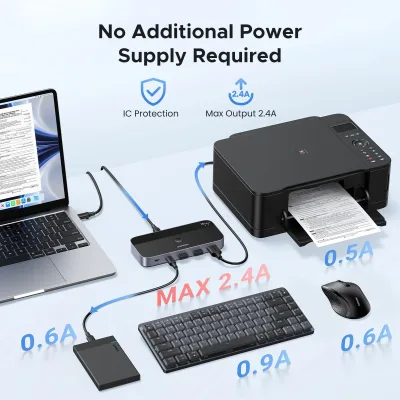
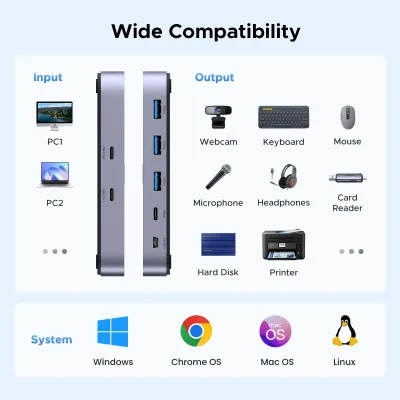
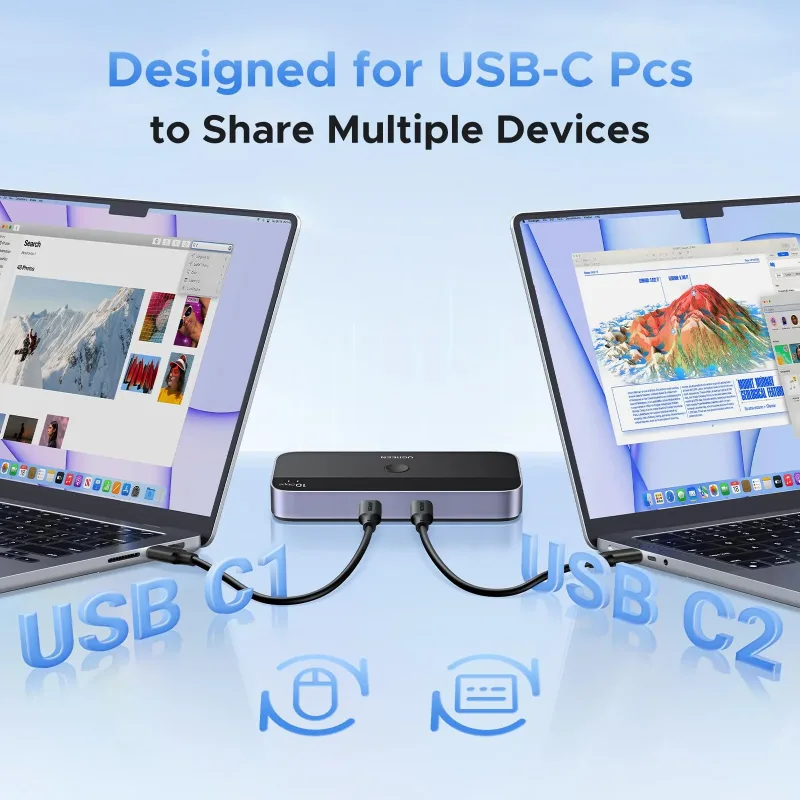
Only need to use a USB-A to C data cable (best within 1.2ft/0.8m) to connect this switch and computer.
Input Tip:
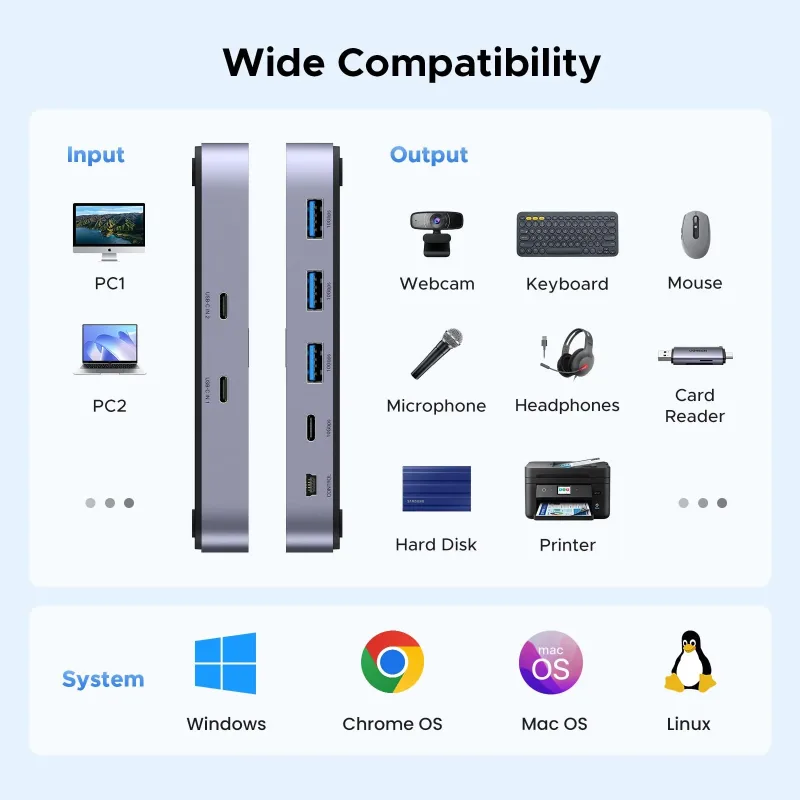
This is a USB C switch not a KVM switch and doesn't support a monitor; the USB-C input does not support video and there is no HDMI input.
This device is designed for data transmission and does not support video transmission.
Output Tip:
The USB port at the output is only used for data transfer and does not support power supply for a laptop/USB devices or video transmission.
Not suggested to connect wireless devices to USB 3.0 switch due to 2.4Ghz co-channel interference (industry problem).
If your wireless network is affected, please set your router frequency from 2.4GHz to 5GHz.
About Data Cable Length:
Using a cable longer than 0.8M may cause a drop in transmission speed.
About Power Supply:
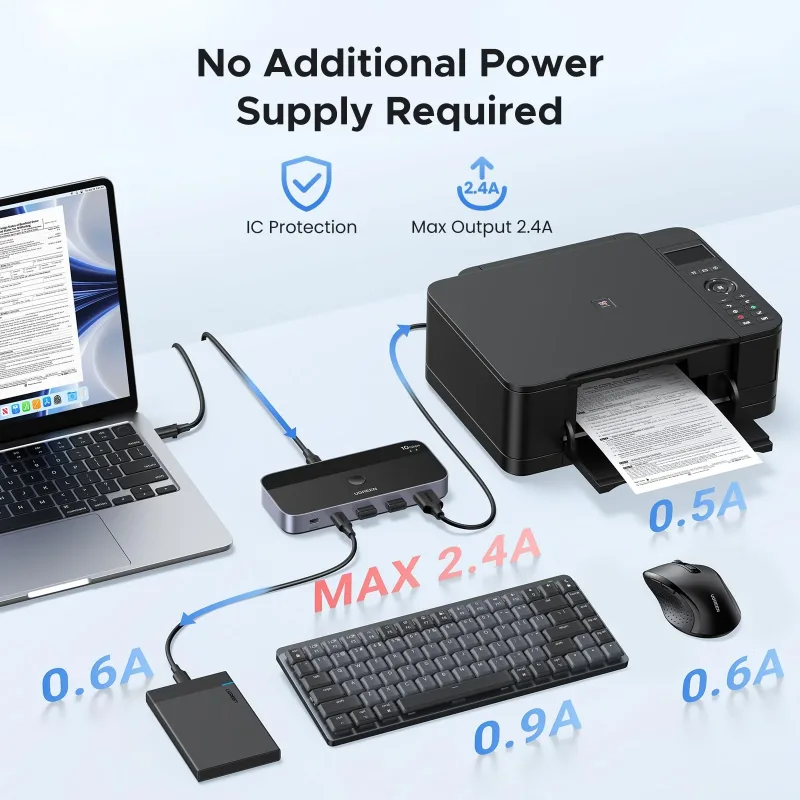
When connected to a USB-C laptop port, this device can output a Max 2.4A, enough power to run four 3.5" HDD/SSD or two 2.5" 1TB HDD/SSD at once.
When connected to a USB-A laptop port, please note that due to the limitation of the USB-A port output current, the switch only can output 5V2A.
Other:
Connect to USB-C IN1 and USB-C IN2 simultaneously, PC 1 will be given priority to share USB devices.
Package Content:
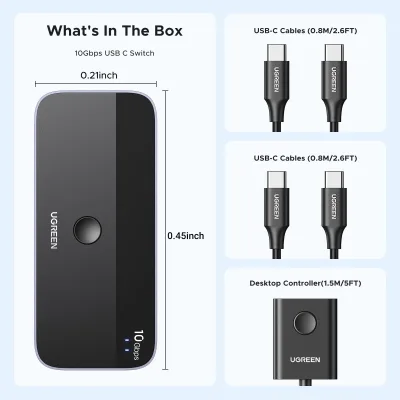
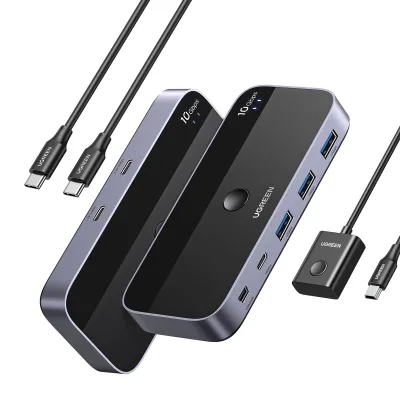
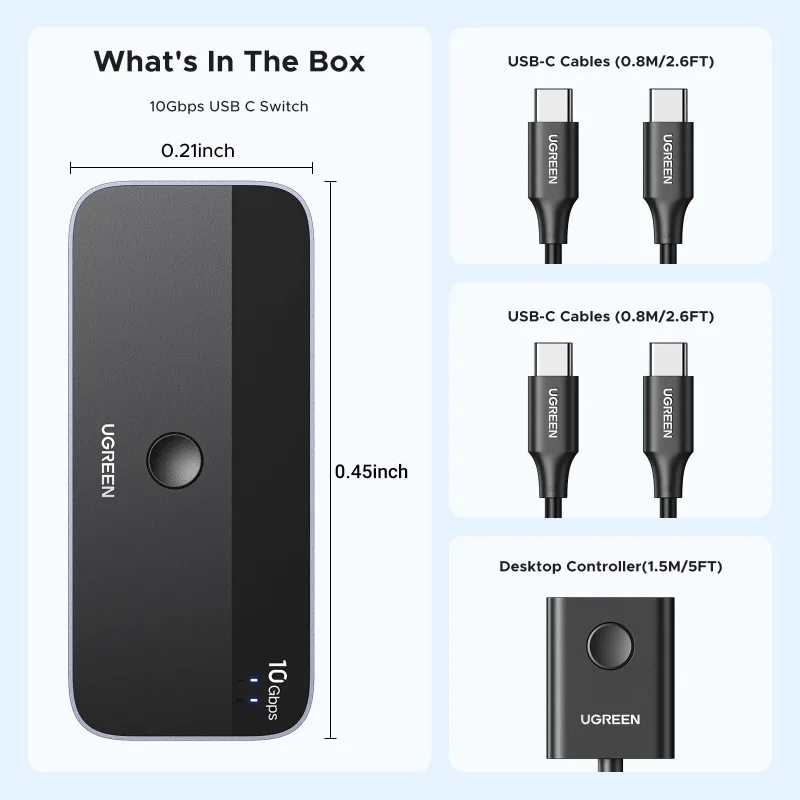
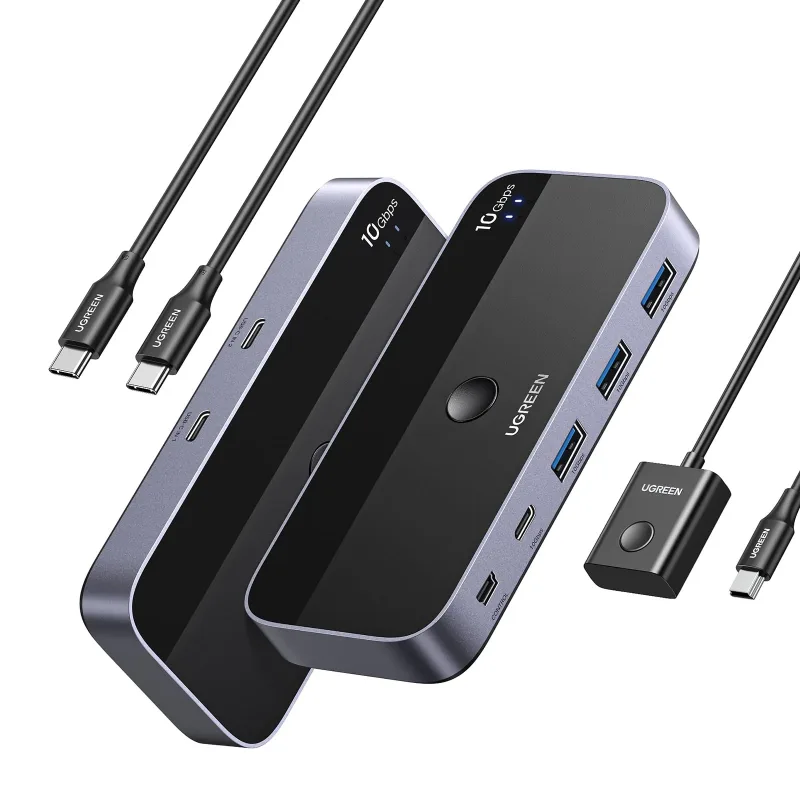
USB 3.2 Switch * 1 (4.8 x 2.1 x 0.7 Inches); USB C to C Cable * 2 (2.6FT/0.8M); Remote Control *1 (5FT/1.5M)
About Mac:
For Mac OS 13.3 and above, please allow usb devices to work by doing this setting: Use the mac's own touchpad to choose Apple menu > System Settings > Privacy & Security >Click the pop-up menu next to “Allow accessories to connect“ > Choose "Always".
About PC is sleeping:
If the USB device is disconnected after the PC is awakened from sleep mode, it may be caused by the energy saving mode. Please turn off energy saving and try again.
[Windows] 1. Control Panel > System and Security > Power Options > Select the "Change Plan Setting" option next to your current power plan > Select "Change advanced power settings"> "Power Options"> "Expand the USB Settings section and double-click USB selective suspend setting."> Select "disable".
2. Device Manager > Universal Serial Bus controllers > right-click all hubs that have been detected > select "Properties"> Power Management > deselect "Allow the computer to turn off this device to save power."
[Mac] Please follow the below steps to disable the Mac into auto-sleep to see if the issue can be solved: System Performace > Battery > Disable "Prevent computer from sleeping automatically when the display is off", and disable "Enable Power Nap while plugged into a power adapter".
5.0
1 global reviews
5 1
4 0
3 0
2 0
1 0
GadgetGuru88
2026-10-14
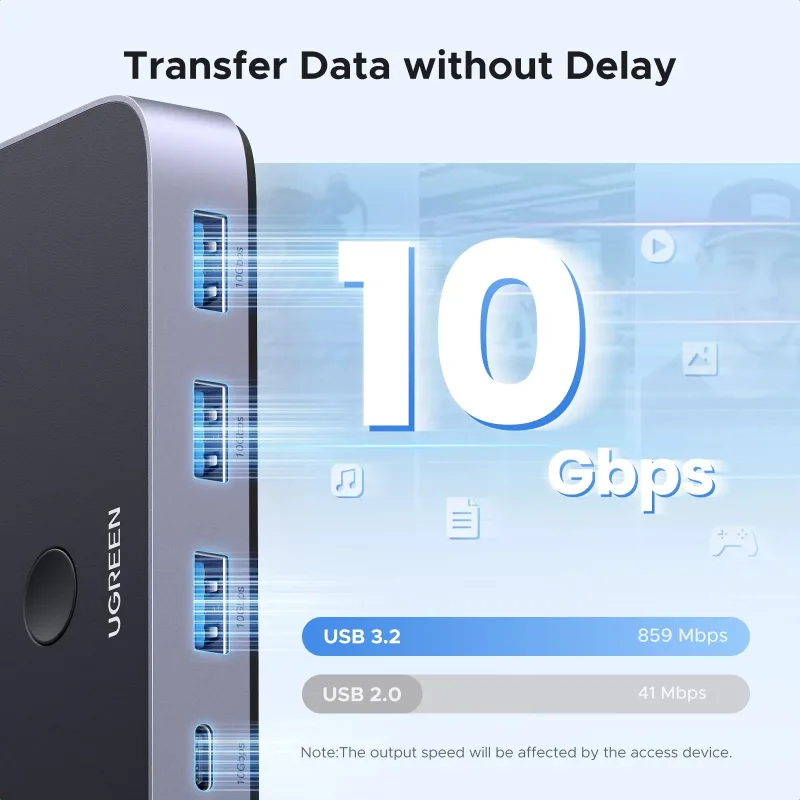
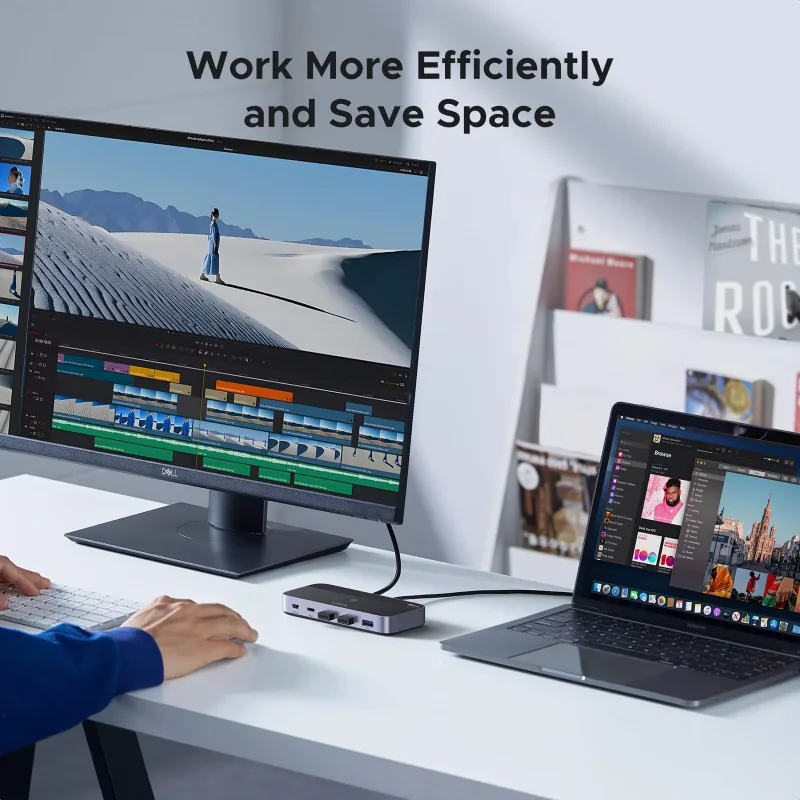
I picked up this UGREEN USBC Switch to share my keyboard, mouse, and external drive between two computers, and it works exactly as hoped. The 2-port switching is quick, and the 4 x USB 3.2 ports at 10Gbps keep file transfers fast with no noticeable lag. Build feels solid and it's small enough to sit on the desk without clutter. Setup was basically plug and play. Only minor thing is you need to press the button to switch, but that's fine for my setup. Great for anyone juggling two machines.
Hot Products
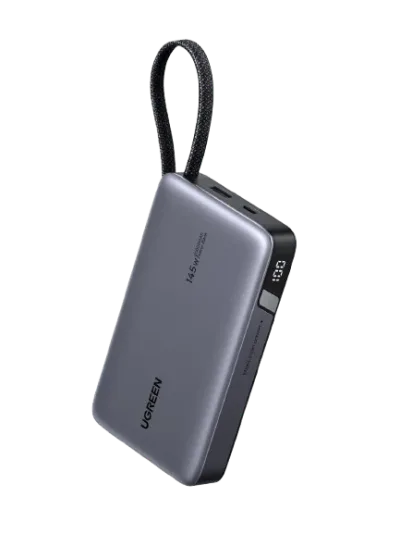
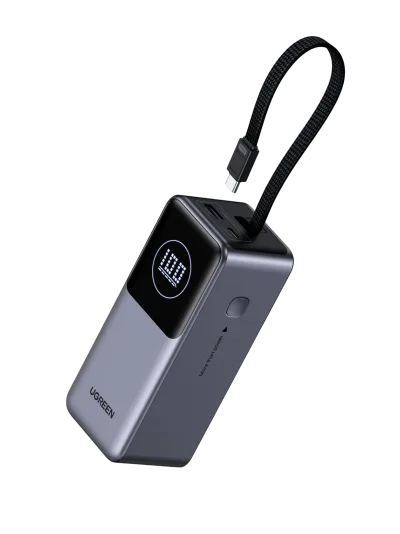
UGREEN Nexode Power Bank 20000mAh 130W with Built-in USB-C Cable
$39.99$79.99-50%
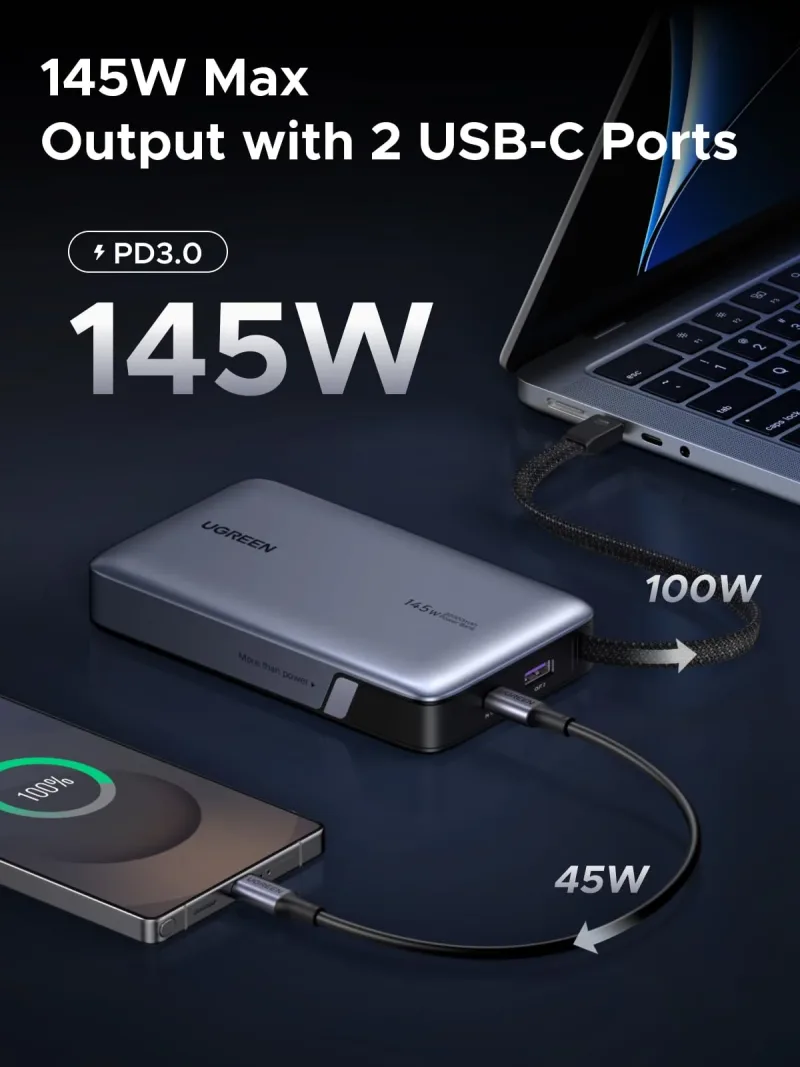
UGREEN Nexode Power Bank 20000mAh 145W with Built-in USB-C Cable
$31.50$89.99-65%
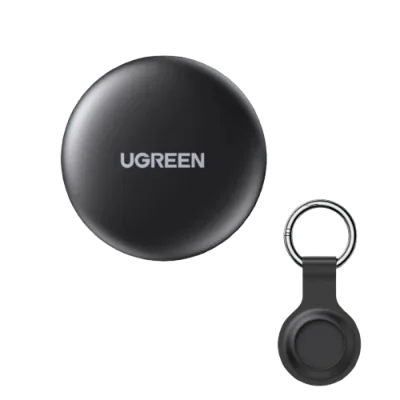
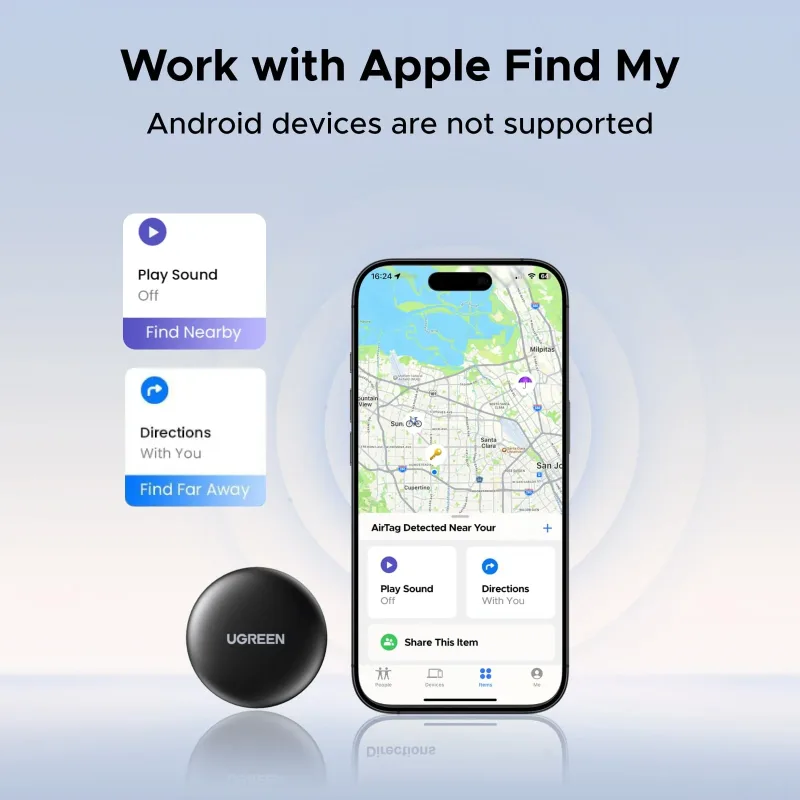
UGREEN FineTrack Mini Smart Finder (2-Pack)
$13.00$36.99-65%
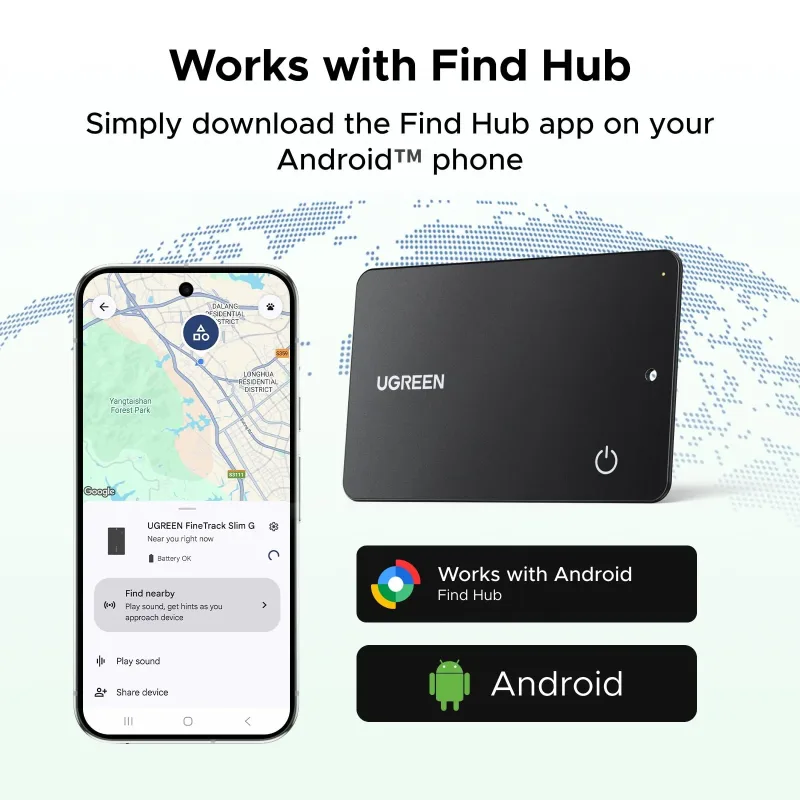
UGREEN FineTrack Slim G Smart Finder (Android Only)
$15.00$29.99-50%
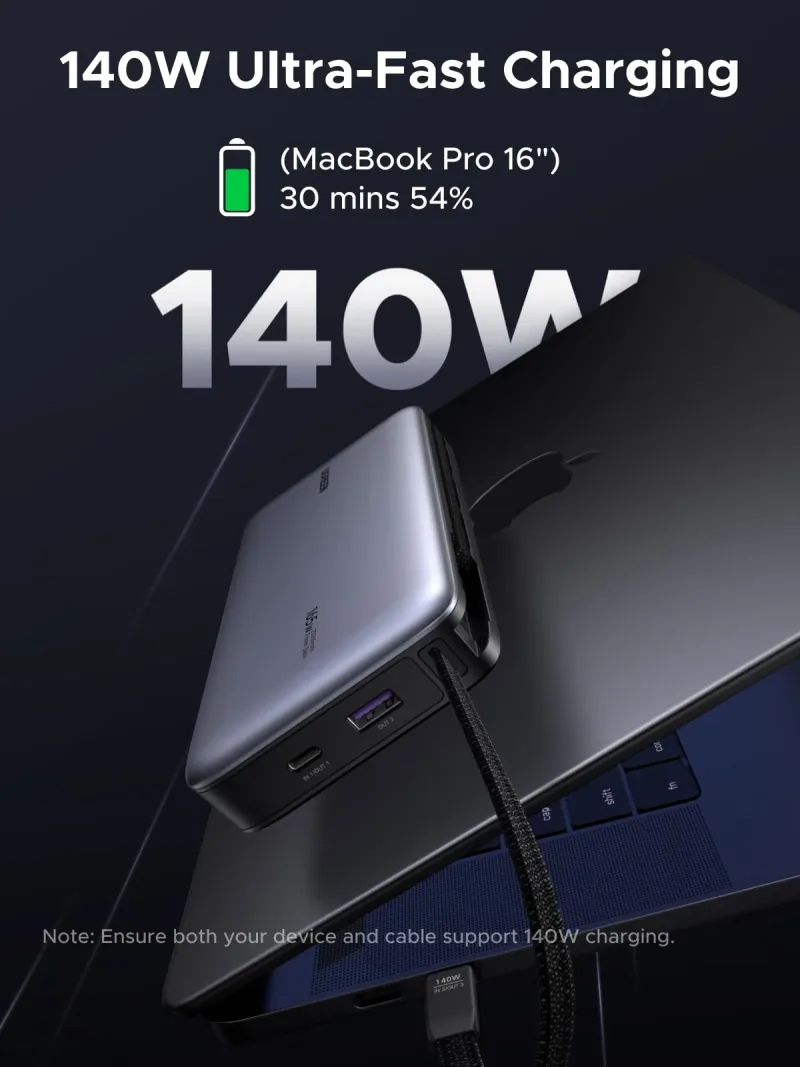
UGREEN Nexode Power Bank 25000mAh 165W with Built-in Cables
$55.00$109.99-50%
UGREEN Nexode 100W 4-Port Charger
$20.00$54.99-64%
UGREEN 130W USB-C Car Charger
$11.25$39.99-72%
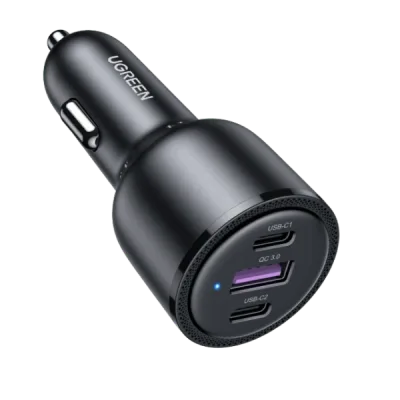
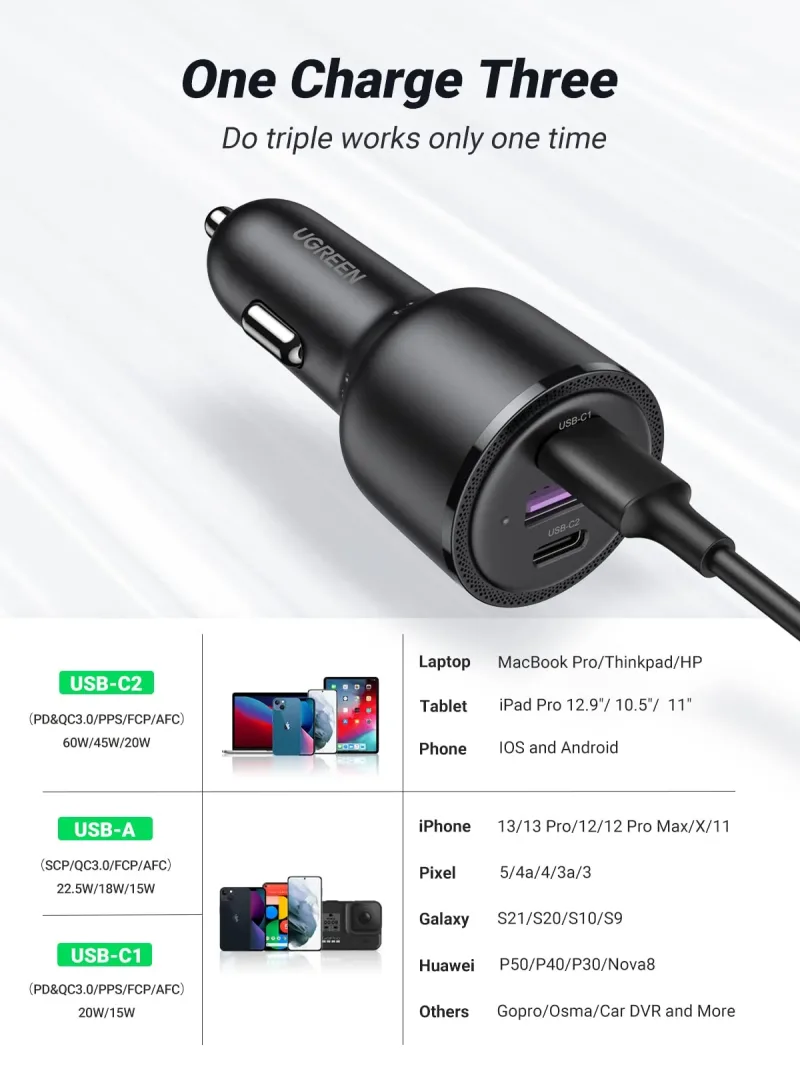
UGREEN 69W USB C Car Charger
$15.00$29.99-50%
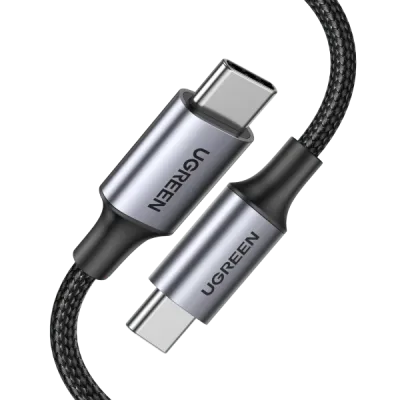
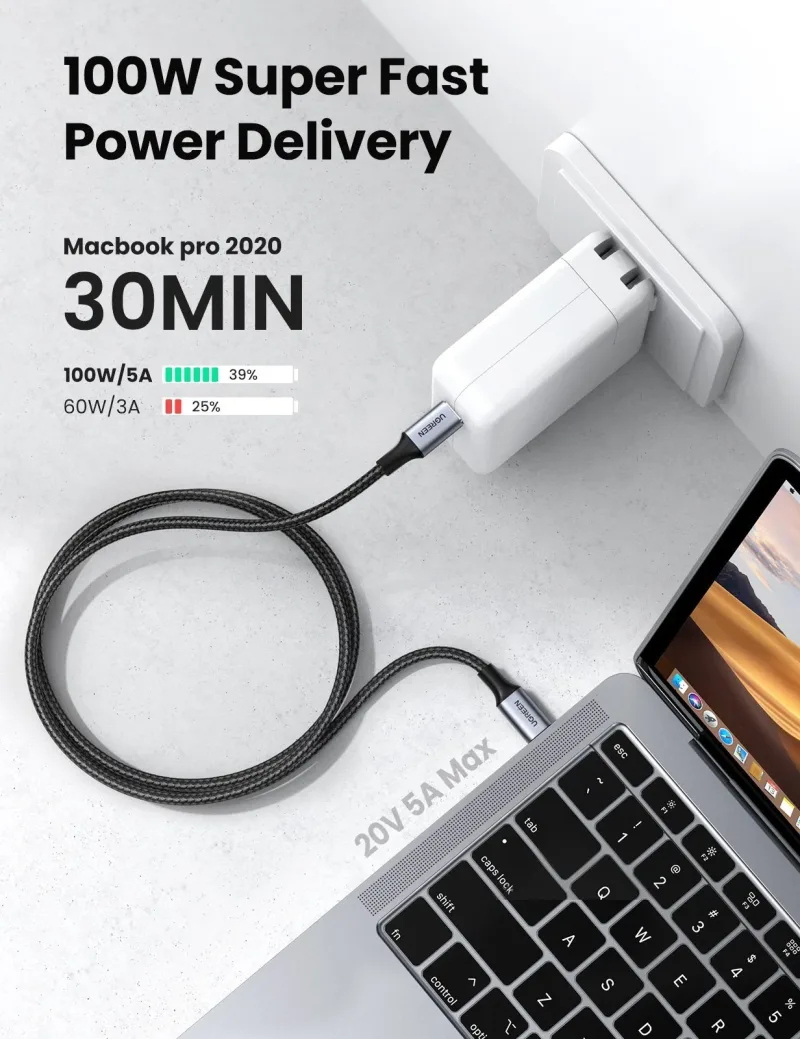
UGREEN 100W USB C Cable 2 Pack
$11.50$22.99-50%
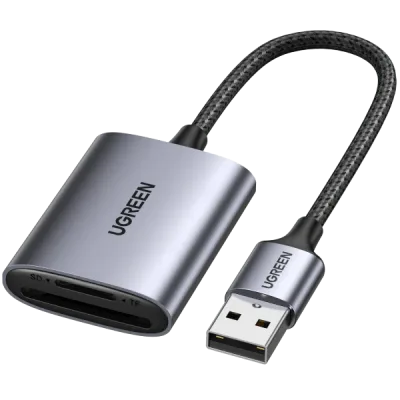
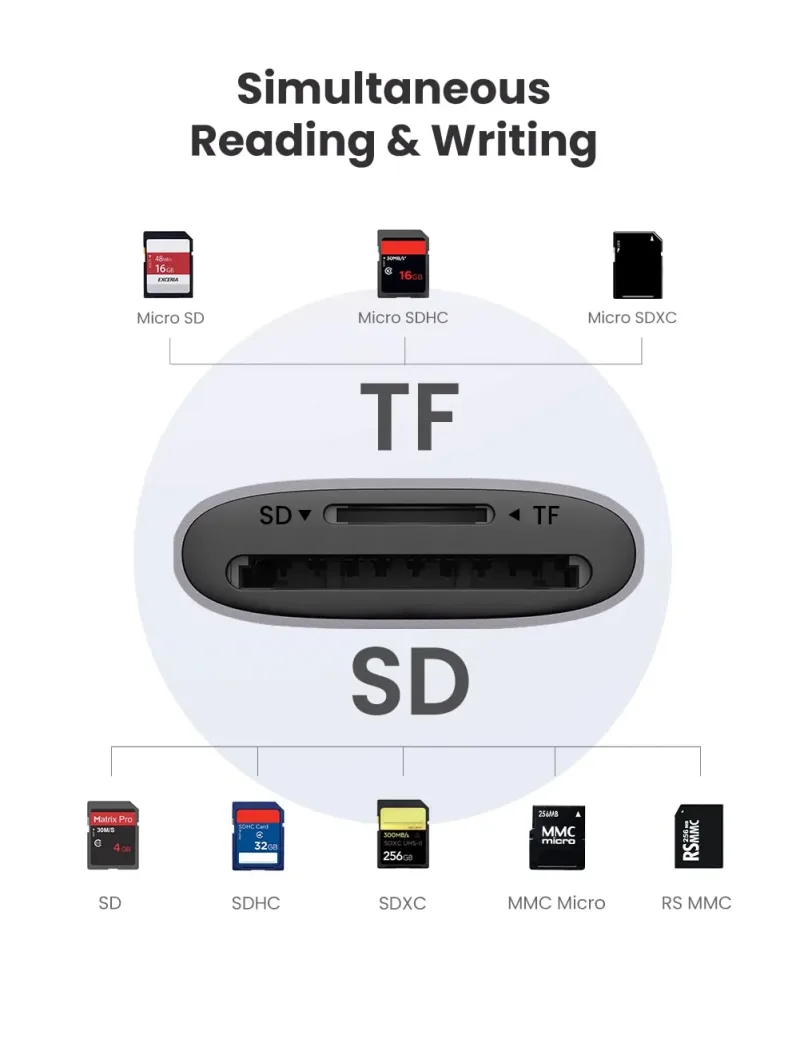
UGREEN 2 in 1 USB SD Card Reader
$6.50$12.99-50%
We value your privacy
We use cookies to enhance your browsing experience, serve personalized content and analyze our traffic.
Privacy Policy
Cookie Preferences
Choose which cookies you'd like to allow. Necessary cookies keep the site working and can't be switched off.
Strictly Necessary Always on
Required for core functions like cart, checkout and security.
Analytics & Performance
Help us understand how visitors use the site so we can improve it.
Marketing & Ads
Used to deliver relevant ads and measure their performance.